Apps Like DoOneThing - Single Task Manager for iPhone and iPad
Focus on what is important.
The app helps users focus on their most important task. It is designed to keep the primary goal present on the computer screen and in the user's life without being intrusive.
by Adam Mathes★ 0.00 ratingsProductivityFreeData updated 2026-09-22
Set daily priorities with a three-task focus to streamline workflow. Track progress with visual indicators and time estimates. Receive gentle reminders and motivational prompts to stay on task.
Record memos with one-touch start and stop. Save files instantly. Record for short durations or extended periods. Pause and resume recordings. Transfer files to a computer via WiFi. Adjust playback speed.
Control your Linux, Windows, or macOS desktop remotely. Access full screen mirroring with mouse and keyboard input. Use built-in VNC server for secure access. Manage devices and perform tasks from anywhere.
Transfer files and folders between devices. Monitor transfer progress for better tracking. Open files directly or share with other apps. Upload learning materials via Wi-Fi using HTTP or FTP.
Allows users to count items by tapping the screen or holding for alternate counts. It provides vibration and sound feedback for each input. Users can switch between green and red counters and reset counts as needed.
Share iPhone with devices on the same local network. content via to computers, other iPhones, or Smart TVs using a web browser. No external servers or internet connection required. Control sharing directly from the device.
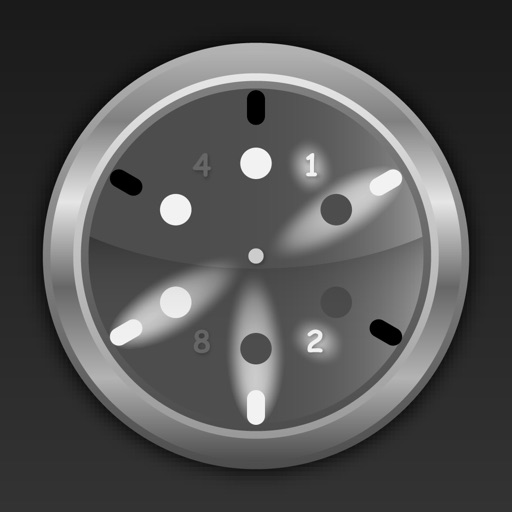
Displays time in format using an design. Allows customization of settings to aid in reading numbers. Can be set as a screen saver during iPhone or iPod charging.
Track dates and countdowns with customizable timelines. Set reminders for upcoming events and view time remaining in , weeks, months, or years. Log personal goals and milestones with detailed date tracking.
The app reads Exif and GPS information from photos, including exposure details and location on a map. It also displays color model, DPI, orientation, and camera details, with the option to copy information to the clipboard.