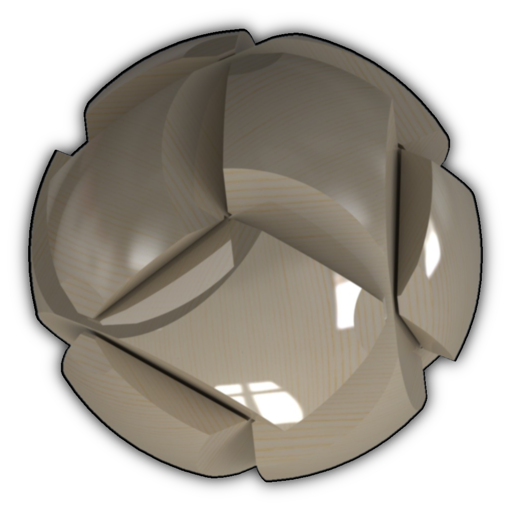
The app displays 3D models using .obj and .mtl file extensions. Users can save and view models offline, render images with enhancement filters, and adjust background color and lighting.
by Gianluca Natalini★ 0.00 ratingsProductivity$0.99Data updated 2026-09-22
View comics directly from a networked PC or MAC without transferring files. Supports compressed formats and displays two pages per screen. Allows browsing and reading comics without saving to the device.
The app supports djvu and pdf formats with a visualization system for mobile devices. It offers elegant design, extended functionality, and high speed for working with large documents.
Transfer files via FTP, SFTP, and cloud services including Google Drive, Dropbox, OneDrive, and Amazon S3. Sync files between servers using various protocols. Manage connections and transfer settings directly.
Create detailed 3D voxel models from 2D images with minimal steps. Export models in multiple formats. Adjust voxel density and resolution settings. Import images from the device or camera. Apply texture maps to enhance model details.
Lets users save text page by page and combine notes into a . Notes can include up to 10 images. Users can save notes as single images. A keyboard expansion button allows cursor movement and pasting. Binders can be organized into categories.
Turn iPhone into a storage device for managing local and files. Access Google Drive, Dropbox, OneDrive, and iCloud for synchronization. Transfer files wirelessly via Wi-Fi and share them directly.
The app offers multitasking file management with 3-finger swipes for quick task switching. It supports various file types, cloud services, and includes features like a document reader, text editor, and zip archiver.
View live video from compatible cloud cameras on mobile devices. Access real-time footage via wireless or 3G connections. Support for specified camera models and iOS 6.1 or later.