The app generates test patterns in any resolution. Users can create patterns like color bars, grids, and grayscale, then share them via message, mail, or AirDrop.
by piXap★ 5.01 ratingsUtilities$4.99Data updated 2026-09-22
Create scrolling text with customizable LED effects. Design and banners with built-in animation options. Share content across different scenarios like events or public spaces. Control lighting effects for visual communication.
Create and test Regular Expression patterns with real-time execution and match details. Generate Swift or Objective-C code snippets for integration. Save patterns in a library with examples for future use.
Create customizable banners with , fonts, colors, and emojis. Add animated backgrounds. Share directly via social media or messaging apps. Adjust size and layout for different devices.
Monitor and control smart home devices through and Websocket protocols. View real-time updates via auto-subscribed panels. Secure communication with SSL. Support JSON for message publishing and subscribing. Run as an always-on dashboard.
Generate numbers, cards, coins, colors, or dice rolls. Create custom lists for personalized randomization. Sync across Apple devices. No advertisements.
Monitor embroidery progress and track stitching time
Monitor embroidery progress with a real-time progress bar showing remaining stitching time per thread color and overall design. View thread color details. Receive notifications for machine stops, thread changes, embroidery completion, or errors.
Displays messages on an iPhone, iPod touch, or iPad screen. Users can create and play messages to communicate discreetly in various settings. Messages can be shown without attracting attention.
Switch to the old interface with Dark Mode and True Black Mode options. Enable Infinite Scroll for continuous browsing. Use Quick Search and Nav Bars to navigate subs and comments efficiently. Filter threads by keywords or subreddits.
Create and customize 12 color options. Set timers for reminders, capture photos, and save for later. Organize for shopping lists, meeting details, ideas, and daily tasks.
View captured videos on iOS devices. Browse RecentClips and SavedClips folders with video previews. Access USB drives via Lightning to USB 3 Camera Adapter. Review Sentry Mode incidents and select video clips for playback.
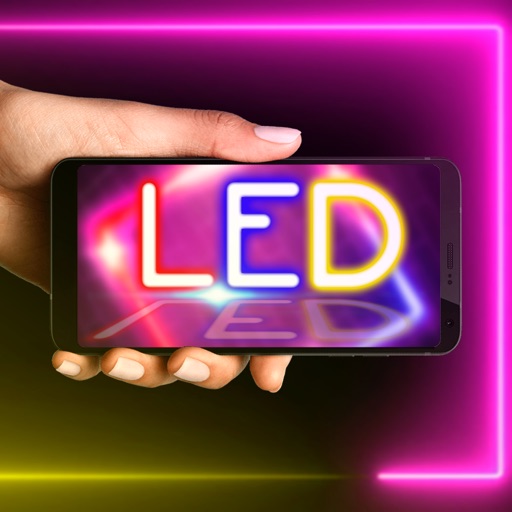
Turn your phone screen into a customizable LED . Create and customize unlimited messages for various situations. Use quick messages or premade templates to text with LED effects. Share messages via social media or direct links.