The app generates animated patterns, dynamic collages, and slit-scan photos using camera input. Users can select screen areas to create flowing imagery and interact with one or two fingers.
by Jung-Hoon Seo★ 5.04 ratingsPhoto & Video$0.99Data updated 2026-09-22
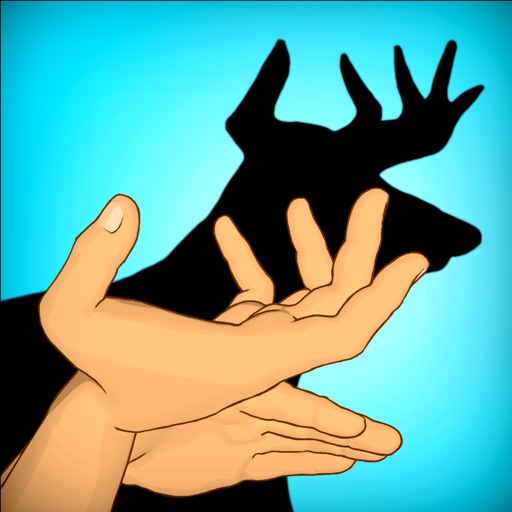
Create figures using hand shapes to animate animals and objects. Explore various combinations to bring shadows to life. Adjust finger positions for precise movements. Earn points and receive animated rewards for successful matches.
Apply visual effects to photos using finger controls. Adjust each effect with customization options. Use particle-based effects for dynamic results. Edit photos from camera or library. Save and share edited images.
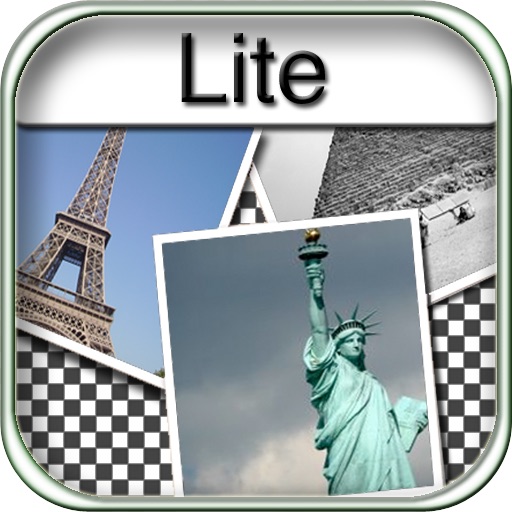
The app allows users to create collages for iPhone or iPod Touch wallpaper using a multitouch interface. It offers creative options such as a black-and-white or sepia converter, border addition, and transparency adjustment.
The app allows users to create animated GIFs from photos and videos. Users can edit existing GIFs or create new ones using stop-motion mode, then share them as files or links.
Record videos and photos with high-quality output. Apply AI cartoon effects to transform images into various styles like Disney-inspired, minimalist anime, or comic-book renditions. Edit videos using an intuitive .
Create kaleidoscope patterns by swiping fingers across the screen. Adjust the number of lines and line color. Use multi-touch for advanced control. Save generated artwork to the device's Camera Roll.
Record lip-sync and music video selfies with animated stickers, decorative stickers, custom frames, and animated screen overlays. Save videos to the camera roll. Take still selfies and decorate them.
The app transforms photos into surreal art with 15 animated effects like comic-book ink, VHS, and glitch. Users can import photos or use the camera to capture images and apply real-time, on-device rendering.
Create social videos using professional templates for Instagram, Facebook, and other platforms. Upload photos and clips from your device. Design collages and layouts with pre-made templates. Add animations and transitions.
Create collages and edit photos with cropping, filters, and text. Add stickers and remove backgrounds. Edit videos, create slideshows, and design invitations. Share directly to Instagram with hashtag management.
Read and interact with hand-drawn picture books featuring over 70 animated elements. Tap to trigger whimsical sounds and animations. Navigate through pages with a visible navigation bar. Explore interactive features that enhance storytelling.
Edit photos by flipping, rotating, cropping, and applying filters. Use AI to suggest optimal filters. Flip images live during camera use. Batch edit multiple photos and save directly to the library.
Edit videos and stories with AI-powered tools. Add stickers, filters, and animations. Copy and paste assets between apps. Save media to camera roll for use in other editors. Organize favorites and apply styles with one tap.
Create posters with one click using pre-designed templates. Select photos from camera roll or albums with intelligent portrait recognition. Customize without restrictions and export final designs.
Create collages using 100+ 2D/3D frames. Add images from gallery or camera. Adjust opacity and rotate photos. Include text with custom fonts and colors. Apply effects to enhance visuals. Export and share finished collages.
Create collages by mixing and arranging photos, rotating, and moving them freely. Add text, stickers, and backgrounds with customizable fonts, sizes, and colors. Draw or write on photos using a doodle tool. Export and share finished collages.