Create and customize drawings using various tools like pen, line, arrow, rectangle, ellipse, and eraser. Choose from multiple colors including black, white, red, blue, yellow, and more. Save or share generated images directly others.
Create palette reference images from photos. Select a photo from the library. Resize, reposition, and crop the photo into a square frame. palette automatically or pick colors manually. Change the layout using templates.
Create photos with customizable like Fat, Pinch, and Hue. Mix to create unique combinations such as Hulk or Alien. Apply filters, adjust colors, and save or share edited photos.
Capture photos with manual controls for ISO, shutter speed, and flash settings. Apply authentic tones and grain. Export images in high-quality formats. Adjust exposure and focus manually. Share photos directly from the .
Edit photos with 25 tools and effects. Adjust brightness, contrast, and saturation. Save progress and undo changes. Share edited photos to social networks. Preserve EXIF data and edit geo-location. Export high-resolution images up to 3000x3000.
Apply distress effects, vintage filters, and creative textures to photos. Adjust intensity and blend modes. Save and share edited images. Access exclusive effects and future updates without additional costs.
Edit photos with filters, effects, and adjustments. Add text with multiple fonts, colors, and effects. Overlay text or add captions and 3D text. Include stickers, artwork, and frames. Create collages and personalize cards with photos.
Turn photos into paintings using 30 brush presets and 500+ bitmap brushes. Adjust stroke settings including size, rotation, shadow, and opacity. Support layers and import Photoshop brushes. Export and share edited artwork.
Perform Tasbeeh with customizable options and unlimited counts. Set reminder notifications for regular practice. Access an elegant, ad-free interface without requiring internet connection. Track progress and personalize prayer sessions.
Apply art to photos for creative visuals. Add spiral effects and blur backgrounds. Use emoji art, background art, and outline art to enhance images. Apply AI, cartoon, neon, and mask effects. Create retro, atlantis, and big camera styles.
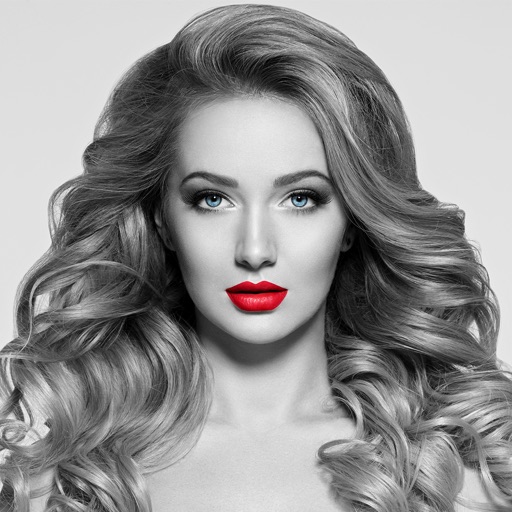
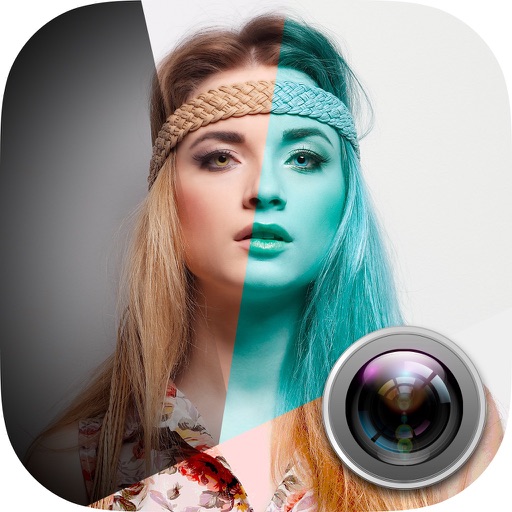
The app converts the rest of an image to black and white while a selected color stands out. Users can select any color in a picture and adjust the color range to create images.