Create real-time video effects using a computer camera. Select from preset effects or cycle through them automatically. Use Face Tracking to apply effects to visible faces. Adjust settings for personalized customization.
by Autodesk★ 0.00 ratingsEntertainmentFreeData updated 2026-09-08
Edit videos and to create tilt-shift effects with adjustable parameters like depth of field and focus. Apply filters, adjust colors, and add motion blur. Export edited content in various formats and share directly.
Create videos with professional and transitions. Add text, stickers, and music. Merge footage and apply filters. Export in various formats and share directly.
The app provides wireless surveillance with FHSS technology for strong anti-interference and longer transmission. The receiver can record video from up to four cameras and features motion detection and schedule recording.
Build a recruiting profile with video , athlete bio, stats, academic info, and social links. Create professional from game footage. Share all content via a single link. Manage contact information and track recruiting progress.
The app offers selective blur effects including motion, disc, and zoom. Users can compare original and edited images with a live split preview and save custom effect settings.
Create and share customized photo and content for events. Customize settings to match branding. Use AI photo manipulation tools. Add effects and record videos. Share content directly or export in various formats.
The app provides tools for creating stop-motion films on a mobile device. It includes camera functions, album management, photo editing, and video assembly features for creating movies.
Play with customizable grid sizes and emoji themes. Clear tiles to reveal numbers or empty spaces. Avoid mines to win. Use Magic Mouse or Trackpad for interaction. Enable dark mode for better visibility.
Turn your smartphone into a fake electric stun gun. Simulate electric shocks with high-quality sounds, vibration, and flash blinking. Requires camera permission for flash functionality. Use for pranks or entertainment.
The app recreates a tanning experience using the device's LCD light. Users can see flickering bulbs and hear humming machinery, fooling friends into thinking the device emits UV rays.
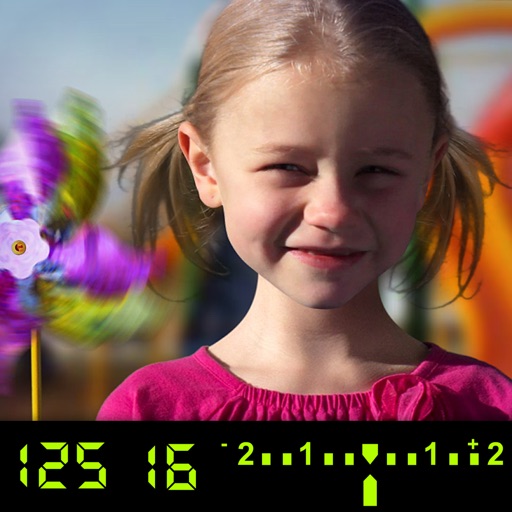
The app visually explains DSLR camera controls. Users can experiment with settings and see the effects on a sample image, receiving feedback on their choices.
The app adds reflections to photos and videos, simulating them on a mirrored surface in 3D. Users can customize reflection parameters like width, offset, alpha, and depth, and export creations as transparent PNGs.