Create drawings with customizable brush colors and sizes. Select from 60 color options for background and brush. Save or share artwork. Use random mode to change brush size or color automatically. Access 20 levels of undo.
by ATBOSH Media Ltd.★ 2.01 ratingsPhoto & VideoFreeData updated 2026-09-08
The app allows users to draw and sketch ideas with an easy-to-use interface. It offers various tools like pencil, line, oval, and rectangle, along with an eraser and undo/redo functionality.
Provides even lighting for photography subjects and transparencies. Select predefined colors or create custom ones with RGB sliders. Capture images to identify RGB values. Adjust opacity and brightness. Enable full screen mode by tapping the screen.
The app offers 100 challenging tile-matching levels with colorful abstract graphics and four types of power-ups. It features hexagonal, triangle, and square board grids, along with a competitive online multiplayer mode for addictive gameplay.
Create by selecting from hundreds of templates. Import images from your gallery or camera. Add custom captions with adjustable font size, color, and style. Share generated directly.
Create drawings using a variety of art and color options. Select and match colors for coloring games. Use the Draw-it feature to sketch freely. Save and share completed artwork. Adjust brush settings for detailed strokes.
The app turns screen time into meaningful time with Bible stories. Children color scenes while listening to scripture or narration, fostering creativity and connection.
Automatically pixelates faces and blurs sensitive content in photos using smart auto blur. Users can hide or reveal faces with a single tap. Manual editing allows adjusting filters like pixelate, blur, mosaic, and crystallize.
Draw sketches using brushes and tools with support for Apple Pencil. Create layered artwork and zoom for detailed painting. Import and export vector images in PDF, PNG, and JPEG formats. Use color or photo backgrounds. Save artwork for later.
The app allows users to build creations in 3D by adding and arranging blocks. Users can change colors with paint and fill tools, and control the camera with zoom and rotation.
Draw dots by pressing one finger, adjusting size based on press duration. Create lines and shapes with multiple fingers. Manipulate polygons by moving vertices. Export drawings in various formats. Share creations directly.
Edit photos to create intense or soft atmospheres with adjustable settings. Select specific areas for coloring. Use zooming, brush size, and style tools for detailed modifications. Import photos from iPhone/iPod photo album.
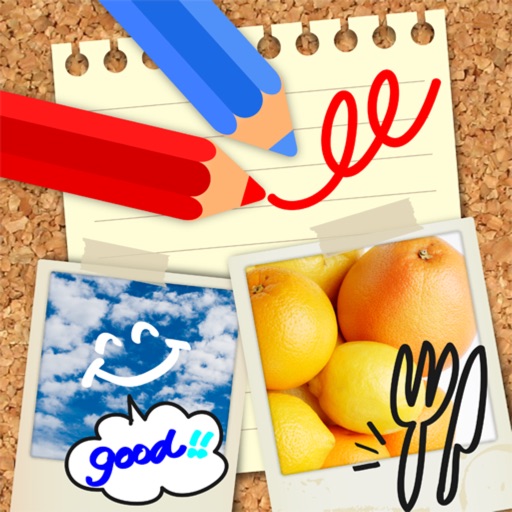
Edit images by on photos with 45 colors and five pen thicknesses. Use zoom edit and undo functionality. Add text with drag and pinch for free layout. Import from camera roll and attach images. Share edited content via email, Twitter, and Facebook.