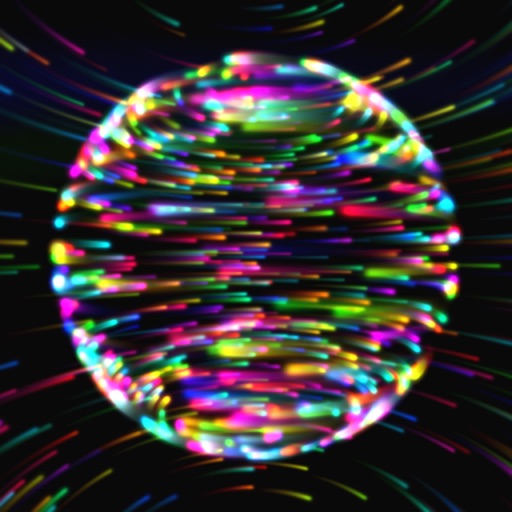
Explore 3D shapes by selecting from various options. Create combinations with colorful shapes and adjust them with a single tap. Rotate and zoom creations using touch gestures.
by Paul Hangas★ 4.86 ratingsEducation$0.99Data updated 2026-09-08
Create art with customizable colors, brush sizes, and opacity. Import photos from camera or library. Save and share designs via social media, email, or SMS. Clear canvas for new creations.
Explore 3D shapes by morphing between a dozen geometric objects. Customize textures, adjust color saturation, and control particle count. Pinch to zoom, rotate shapes, and modify blur settings.
Colorland allows children to color vibrant images featuring animals and vehicles. Users can navigate a magical castle environment to explore and create art. The provides over 140 pages for interactive drawing.
The app allows users to draw geometric shapes, color drawings, and retouch photos. Users can share their creations with friends using different drawing tools and colors.
Play puzzle games with two modes: rotate colorful circles to reveal hidden images or slide and swap tiles to uncover pictures. Solve puzzles without time limits or stress. Track progress and revisit completed puzzles. Share achievements with friends.
Teaches letter shapes and pronunciation. Guides correct letter formation with start points, strokes, and direction. Includes difficulty levels for assisted . Allows to practice handwriting in a game-based learning environment.
Edit by merging multiple clips, rearranging, and removing sections. Add multiple text messages with animation, custom fonts, and styling options including stroke, shadow, and background. Export final edits.
Create drawings and paintings using a variety of colors and brushes. Select from pre-drawn shapes and stickers. Save artwork to device storage. Share creations via social media or email.
Create fractal art using mathematical equations. Generate intricate patterns with customizable parameters. Adjust color, scale, and iterations. Save and export designs in various formats. Share creations directly from the .
Teaches colors, numbers, shapes, and food items through interactive . Sorts and compares objects with touch. Develops logic, attention, memory, and fine motor skills. Includes toddler-friendly activities for ages 2-3.
Create avatars by customizing features and selecting outfits. dolls in various costumes and accessories. Apply makeup and hairstyles. Save and share created characters. Explore fashion trends and design unique anime-style characters.
View a 3D and rotate it using touch gestures. Zoom in and out with a pinch. Search for a country to navigate to it. Tap a country to display Wikipedia information.
The app offers over 30 educational games and activities covering colors, numbers, letters, shapes, and animals. It includes features like spelling games, drawing, and interactive animal experiences for learning.
Play a game where players hold or release the screen to switch between square and circle shapes matching incoming patterns. Challenge reaction speed and accuracy with increasing difficulty levels. Track progress and compete against time limits.
Create images, drawings, and paintings with customizable brush settings including thickness, color, transparency, and dynamic intensity. Sketch and modify simple graphics for logos, clothing, hairstyles, and more.
Create drawings by connecting points on the screen to form shapes. Adjust line thickness and color. Save and share completed drawings. Export in various file formats.