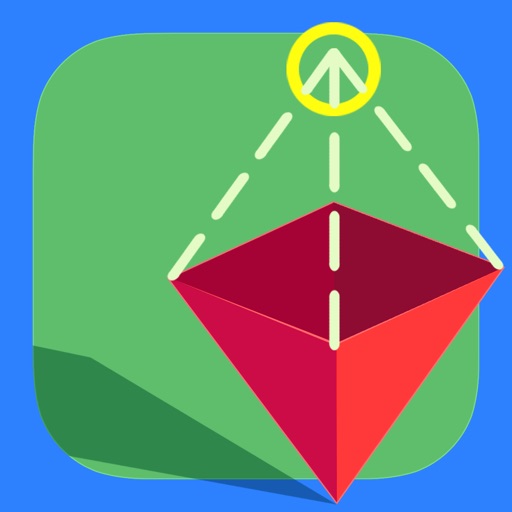
Explore 3D shapes by selecting from various options. Create combinations with colorful shapes and adjust them with a single tap. Rotate and zoom creations using touch gestures.
by Paul Hangas★ 4.86 ratingsEducation$0.99Data updated 2026-09-08
Teaches shape recognition and fine motor skills through interactive gameplay. Players help a find lost by matching shapes and colors. Includes increasing difficulty levels and colorful illustrations.
The app offers learning activities for children aged 2 to 5, focusing on colors, shapes, and memorization. It includes games like "Find me!" and "shapes & Colors," with additional in-app purchases for more educational content.
Create animated shows with real-time audio and movement recording. Add actors and backdrops to a stage, drag them into place, and tap record. Customize characters and settings to build original stories or scenes. Share creations directly from the .
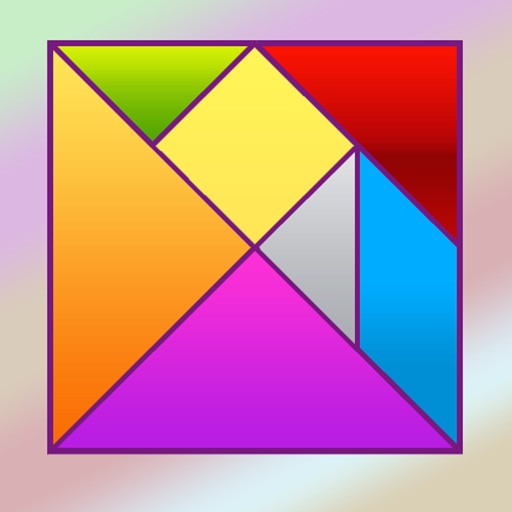
Solve puzzles by arranging seven geometric pieces into target shapes. Complete 150 unique challenges without overlapping pieces. Adjust piece positions and rotations to match each design.
Learn letters and shapes by touching and flicking on-screen items. Resize letters and shapes by pressing. Record custom voices for letters and shapes. Add personal images and captions. Allow children to record their own voice.
Allows users to create drawings with various tools and colors. Features include undo, redo, and erasing. Users can save and share artwork. The includes guided drawing activities and educational content. No ads or personal data collection.
Create line segments and polygons by stretching bands around the Geoboard. Explore perimeter, area, angles, and fractions through interactive shapes. Manipulate bands to compare sizes and test congruence.
The app offers 18 activities for early learning, including colors, counting, and letters. Children can interact with bubbles through various touch gestures, reinforcing skills like fine motor control and logic.
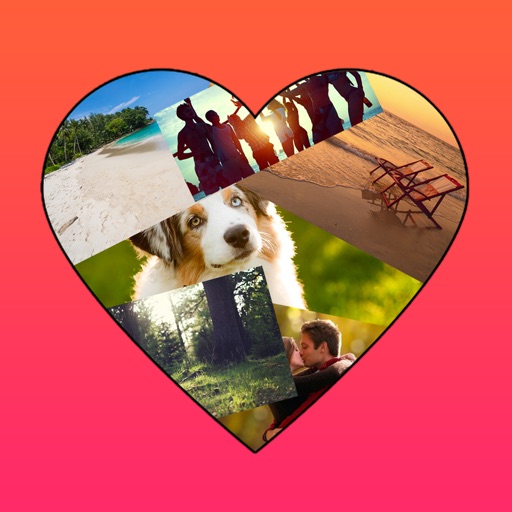
The app allows users to create photo collages in various shapes. Users can select photos and arrange them into designs such as hearts, dogs, cats, and martini glasses.
Control a stroller via Bluetooth using manual or gravity mode without a steering wheel. Customize movement patterns and shapes. Use voice commands to direct the stroller without manual input.
Learn to draw cartoon characters starting with simple shapes like circles and rectangles. Follow step-by-step guides to color line drawings using various brushes. Access templates for food, fairytale characters, and more.
Create greeting by selecting and photos from your gallery or camera. Adjust photos with zoom, rotate, and move gestures. Save and share through social media apps.
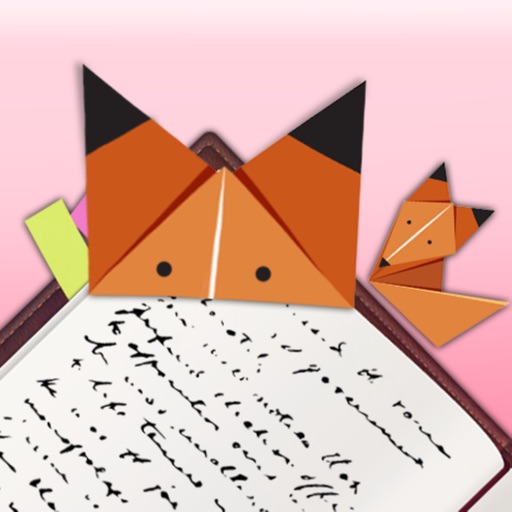
Create origami by following step-by-step instructions. Choose from various origami shapes. Decorate with unique designs. Enhance reading experience with custom .
Create abstract art by drawing shapes that auto-connect and fill with random procedural patterns. Use Auto Draw to generate unique compositions in real time. Watch animations transform your artwork into kaleidoscopic designs.
Solve simple puzzles to improve memory, logic, and shape recognition. Drag and drop pieces to complete scenes. Choose from themed puzzles. No ads or internet required. Track progress and set learning goals.
A with puzzle blocks to create lines and clear them. Move and rotate pieces to fit them in place. Earn points by completing lines and clear the board as quickly as possible.