The app provides mapless navigation using GPS and compass data. It allows users to drop markers, search for destinations by address or placename, and view locations on a map.
by CW&T Studio LLC★ 4.633 ratingsNavigationFreeData updated 2026-09-20
Track pot depths, locations, and catch totals. Access NOAA marine maps with water depth data. Navigate to pots using map and compass. View heatmap modes for map navigation. Add notes to individual pots.
View interactive with real-time GIS data. Locate assets, collect data, and perform inspections. Use smart forms for data entry. Set geofence alerts. Share location in real time. Complete tasks with map-based navigation.
Take photos and embed GPS location data. Add latitude, longitude, date, and time. Shoot videos and include watermarks. Add altitude and magnitude information. Share location-based content with others.
Display current with GPS coordinates, closest address, What3Words identifier, and Google Plus Code. Tap data to share via text message, email, or social media.
Measure areas using GPS or manual map points for accurate calculations. Switch between and distance modes. Save measurements for later access. Use compass navigation for directional guidance.
Reader tool allows users to read and listen to books. Ruler tool measures length, breadth, and height of objects. Protractor tool measures angles of objects. Slope tool calculates the incline of structures. Activity track daily tasks and progress.
Record and display GPS-based measurements with a map line. Share results on social media. Obtain current location via GPS. Option to minimize battery use without GPS. Does not run in the background.
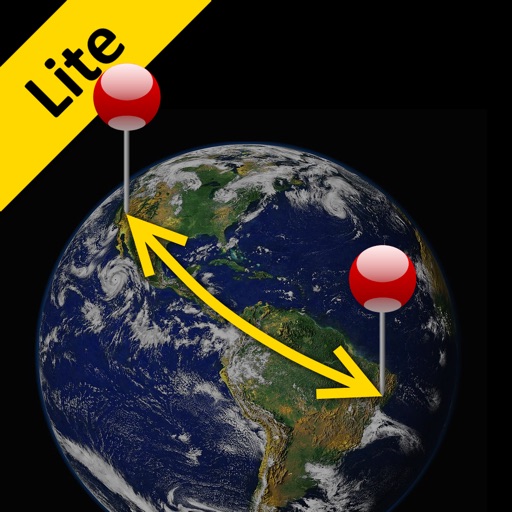
The app calculates the shortest distance or distance with a constant bearing between two locations. Users can select current location, enter coordinates, or choose from a database.
A GPS for golfers allows users to lock the screen by pointing at the green. Set markers to measure distances between points. Multiple markers can be placed and adjusted. Zoom in and out using pinch gestures. Demo mode is available for practice.
Tracks location, speed, altitude, heading, acceleration, g-force, and atmospheric pressure. Displays and records current weather. Plays back tracks at multiple speeds. Provides suggested routes for reference. Allows pausing and resuming tracking.
The app provides access to device GPS functionality, displaying heading, compass, map views, speed, distance, coordinates, and altitude. It also offers weather information including temperature, humidity, pressure, cloud cover, and wind speed.