The app provides grid overlays to assist with photo composition. Users can select from five normal and square grids, with the option to save photos in square size.
by Shingo Fujita★ 3.01 ratingsPhoto & Video$0.99Data updated 2026-09-20
Create carousels and photo collages using AI tools and templates. Arrange images with drag-and-drop editing. Auto-align photos for seamless layouts. Apply aesthetic presets and customize designs. Export and share finished collages directly.
The app allows users to select a photo and create a blurred frame effect instead of cropping. Users can adjust the blur and fade effects and save the modified photo to their gallery for sharing.
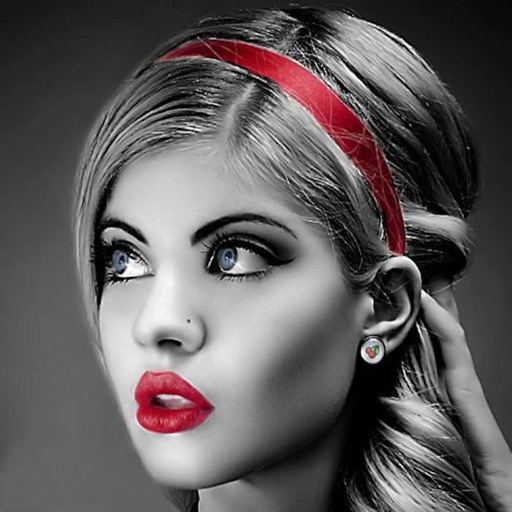
Edit photos with selective effects using gesture controls. Zoom and pan to adjust splash areas. Convert parts of the image to grayscale while keeping selected regions in full . Export edited photos directly.
The app allows users to decorate pictures with text typed along a drawn line. Users can select from nearly 300 fonts, adjust text properties, and apply filters or change backdrops.
Create pixel art with automatic double pixel removal for precise line art. Use round, square, and matrix dither brushes. Draw lines locked to isometric angles. Create rectangles and ellipses. Manage layers for animated projects.
Create social posts with templates and editing tools for Instagram, Facebook, LinkedIn, Twitter, and TikTok. square or story-sized content, add text and graphics, and export directly to platforms. No skills required.
Create collages by combining multiple photos from the gallery. Choose from various frames and themes. Apply filters to enhance images. Share collages directly to social media platforms. Edit individual photos with cropping and adjustment tools.
Allows users to resize photos to dimensions. It offers basic editing tools such as cropping, adjusting brightness, and adding text. Users can generate images for social media sharing and export edited photos directly.
Create or visa photos with automated background adjustment and customizable attire options. Enhance images with beautification tools. Save and share edited photos directly.
Edit photos with , rotate, flip, and scale tools. Adjust brightness, contrast, and saturation. Add text, stickers, and mixers. Share directly to Instagram and other social media platforms. Export in square format for consistent posting.
Create and edit videos with effects, pixelation, or blurring. Highlight specific segments or use a magnifying glass for close-ups. Annotate videos with boxes and share edited content directly.
Create collages using free backgrounds, stickers, and fonts. Add text and images. Save collages to device or print. No account or social sharing required. Suitable for classroom and children use.