Create digital artwork with drawing tools, brushes, and materials. Use filters, screentones, and blending modes. Import images and vector graphics. Save and share drawings. Access additional features with an in- purchase.
by ibis inc.★ 4.74,138 ratingsGraphics & Design$15.99Data updated 2026-11-15
The app features line-drawing battles with adaptive difficulty and world-class artwork. It offers multiplayer options including Bluetooth, local Wi-Fi, and Game Center with voice chat.
The app offers a relaxing experience by combining music, art, and science. Users can create ten distinct animations by touching the screen with one to ten fingers, each producing a unique visual effect.
Children can select from various coloring pages featuring animals, nature, fantasy characters, and superheroes. They can pick colors and begin coloring immediately. The allows saving and sharing completed artwork.
Create intricate drawings with customizable symmetry, background color, and brush settings. Apply shadows and use predefined patterns or images for inspiration. Export and share finished designs.
Create characters by lines and choosing from various colors and brushes. Use specific tools like a purple glowing brush for wings or red dots for hair. Replay the creation process to relive the experience.
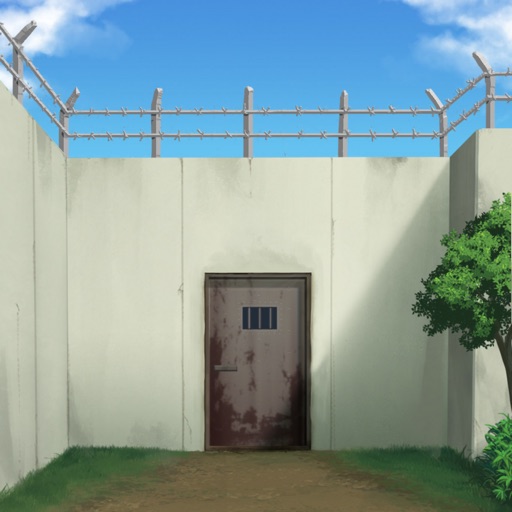
Solve puzzles to a Japanese prison. Explore detailed environments, interact with objects, and find hidden clues. Progress through levels with increasing difficulty. Unlock new areas and items as you advance.
Transform photos into -style images or cartoon avatars using AI. Apply filters like toonify, face child, and reface. Edit portraits with artisan tools. nime or 3D characters. Share edited images directly.
Edit photos by adding holiday with adjustable size, color, spacing, and placement. Apply holiday-themed frames and text overlays. Animate with two timers. Share 10-second videos, animated GIFs, or single-frame photos.
Create avatars and wallpapers by painting or doodling. Access built-in resources for inspiration and guidance. Choose customizable painting lines to express creativity. Save and share finished artwork.
Create drawings using realistic pencils and marker pens. Listen to drawing sounds. Navigate an intuitive interface. Access eight free sketches for coloring. Explore related apps in the drawing series.
Create art with activities and drawing lessons to improve fine motor skills. Explore themed pictures with interactive sounds and characters. Unlock pro features via optional subscriptions. View terms at http://techconsolidated.org/terms.html.
Create infinite repeating designs by mirroring brushstrokes across 17 symmetry patterns. Edit vector graphics with curve smoothing and area fill. Reshape and recolor elements in Edit Mode. Export paintings and tileable rectangles.
Create 2D or 3D drawings in AR environment. Place artwork on walls, floors, or in mid-air. Adjust size, position, and perspective. Export images or share directly.
Create artwork using exclusive designed by top artists. Access hundreds of unique for . Download and follow tutorials to improve skills. Save and export projects in various formats.
Create pixel art sprites with drawing tools and a powerful engine. Open and edit pixel art files from Files. Use iCloud Drive for cloud storage. Support Apple for precise input. Import and customize color palettes.