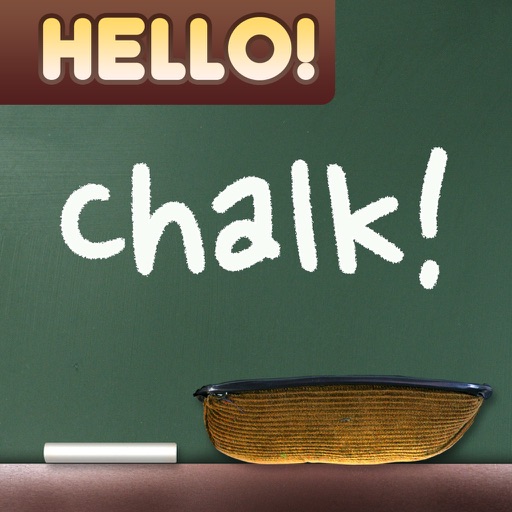
Create drawings with realistic , blackboard, and marker pen textures. Add sound effects during drawing. Use an intuitive interface to sketch lunch menus, todo lists, and humorous images.
by Raysoft.co★ 4.534 ratingsEntertainmentFreeData updated 2026-09-08
Create and share digital art with drawing tools, color palettes, and brush customization. Import images for reference. Save and export artwork in various formats. Sync drawings across devices.
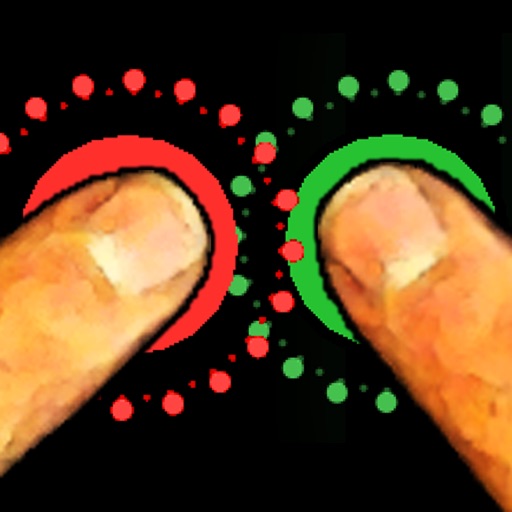
The app allows friends to place fingers on the screen, and it selects one. It can be used for making decisions such as assigning chores or choosing a dining location.
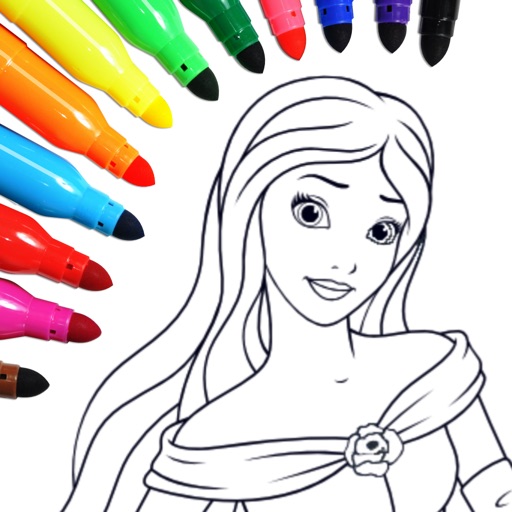
Create art with . Choose from nature scenes, portraits, animals, and mandalas. Customize colors, add textures, and save or share drawings. Import images for custom pages. Use layers and brushes for detailed illustrations.
Access -themed pages and drawings. Create and customize artwork with easy-to-use tools. Share finished drawings via the . Includes a pixel art workshop for detailed designs.
Learn colors and shapes through interactive drawing activities. Create art using fingerprint tracing and guided drawing exercises. Explore music games to recognize notes and rhythms. Engage in crafting activities to develop fine motor skills.
Send messages, doodles, and drawings directly to friends’ widgets. Share sketches, notes, photos, and group messages on their home screens. Customize pen styles, colors, and thicknesses. Add backgrounds, text, and save drafts for later editing.
Allows users to paint and the Family using rainbow brushes and glitter pencils. Includes 200+ pages with themes like animals, cars, and dinosaurs. Features mandala drawing games and interactive activities.
Draw with responsive touch input and customizable brush sizes. Apply sparkle animations while creating art. Save drawings to the device photo album. Share completed artwork directly.
Solve puzzles by drawing shapes to complete levels. Adjust line thickness and color. Earn stars for completing challenges. Unlock new characters and themes. Share achievements on social media.
Create art with activities and drawing lessons to improve fine motor skills. Explore themed pictures with interactive sounds and characters. Unlock pro features via optional subscriptions. View terms at http://techconsolidated.org/terms.html.
With interactive drawings and sound effects. Includes fine motor skill exercises. Features themed images with animated characters. Allows children to create and save their own artwork. Includes drawing lessons and activities.
The app helps children learn letters and sounds, practice handwriting, and read and spell words. It uses errorless teaching and multi-sensory techniques to support early literacy development.
The app provides step-by-step drawing lessons for various subjects like animals, cartoons, and anime. It also includes coloring pages with an online catalog for users to paint images.