Edit photos with AI cartoon filters, -to-sketch conversion, and mosaic art creation. Remove backgrounds, add drip art, and create collages. Save and share edited images directly.
Create photo collages and video slideshows with customizable layouts, colors, and patterns. Add text, filters, and music. Edit photos with object removal, skin softening, and blur effects. Include stickers, outlines, and background adjustments.
The app transforms user photos into videos using an AI that analyzes quality, faces, composition, and lighting. It offers over 40 transitions, a music library, and export options for various social platforms.
The app allows users to create glowing artwork with drawing tools and add animations. Users can save creations to their photo album or email them to friends.
Create art using with 2-fold to 128-fold options. Draw patterns or let the generator create designs. Adjust brush size and style. Share creations on Facebook, Twitter, Instagram, and other platforms.
Create by mixing ingredients like borax, water, clear glue, and food coloring. Choose colors and adjust ratios. Experiment with textures and shapes. Save and share creations.
Coloring books allow users to select from various themed images such as animals, cars, and flowers. Users can apply colors to individual pixels to create artwork.
Create custom geometric art based on a chosen word. Generate 100 variations for each word. Export high-quality designs. Use as signatures, wallpapers, or for personalized products like T-shirts and phone cases.
Create line drawings with rotating controls and shake-to-erase function. Use LED pegs to make point drawings. Paint with 8-bit style tools. Save artwork to photo library.
Create abstract images and patterns with finger swipes. Adjust shapes and colors interactively. Save and share custom designs. Build personal galleries of unique .
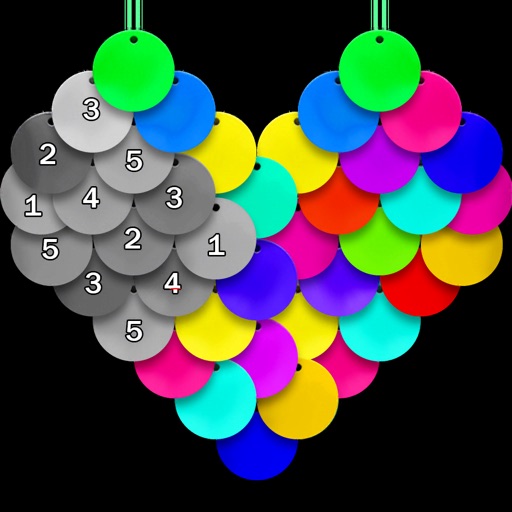
Color pictures using disc-shaped beads to create artwork. Select from various coloring pages. Add beads to fill sections and complete images. Save and share finished creations. Adjust bead placement and colors.
Capture photos and videos with and effects. Adjust filter intensity and view heat patterns in low-light conditions. Record and save footage with simulated infrared visuals. Share captured content directly.
Access -themed pages and drawings. Create and customize artwork with easy-to-use tools. Share finished drawings via the . Includes a pixel art workshop for detailed designs.
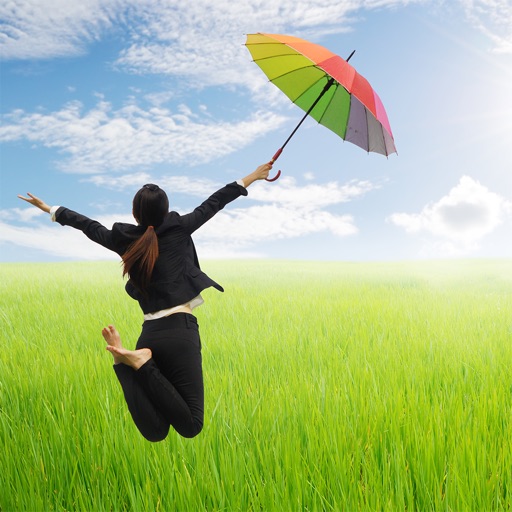
Take levitation photos using automatic alignment technology. Capture and edit images with community features. Share creations and access tutorials for advanced techniques. Sync with social media platforms directly.
Create and customize designs using a variety of colors, patterns, and embellishments. Select tools and products to perform manicure steps like cleaning, moisturizing, and polishing. Save and share finished art creations.
On an with multiple colors and add typed text to illustrations. Erase or delete drawings. Choose background colors for the . Save creations and share via email or Facebook. Additional markers and backgrounds available in the complete version.
Objects, people, blemishes, and acne from photos using AI-powered background removal. Edit images to replace or erase unwanted elements. Export edited photos in various formats.