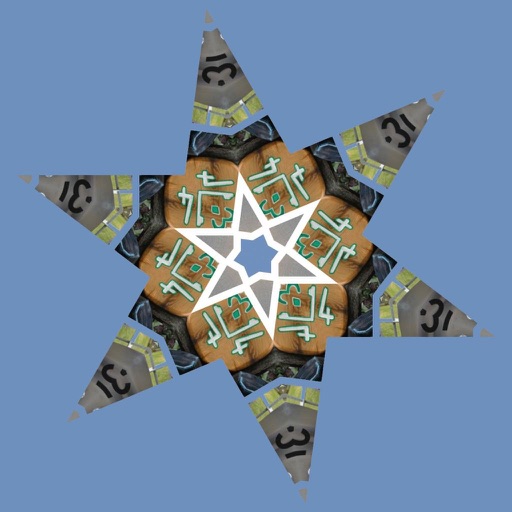
Turn your iPhone or iPad into a kaleidoscope camera. Capture images with dynamic, shifting patterns. Adjust color and brightness settings. Share photos directly from the .
by Brett Gibson★ 4.6585 ratingsPhoto & VideoFreeData updated 2026-09-08
Create kaleidoscope patterns by swiping fingers across the screen. Adjust the number of lines and line color. Use multi-touch for advanced control. Save generated artwork to the device's Camera Roll.
Create geometric art by rotating, spinning, and zooming the . Capture and save images or record video loops. Share creations directly or save to device.
Create patterns by strokes. Choose from eight modes and over 10 brushes. Select from endless colors. Save and share artwork. Adjust settings for brush size and speed.
Take photos with front- and rear-facing cameras. Apply real-time effects like Twirl, Light Tunnel, X-Ray, Squeeze, and Kaleidoscope. Share photos via AirDrop, Mail, Messages, iCloud, or social networks.
Create animated swirling patterns and kaleidoscope artworks. Select from various brush styles and color palettes. Adjust speed and symmetry settings. Save and share generated artwork. Relax through interactive, meditative visuals.
Create artwork using vibrant neon colors and glowing brushes. Draw on a large canvas with sketch tools. Adjust effects and export designs in various formats.
Create symmetric kaleidoscope patterns, mosaics, and fractals. Customize colors, shapes, and brushes. Use free-form zooming and add stickers. Adjust settings for unique designs. Save and share artwork.
Create and animate doodles by drawing freely on a canvas. Playback the drawing process as a cartoon. Generate Mandala flowers and kaleidoscope patterns. Share finished artwork directly.
Edit photos with filters, effects, and text tools. Add stickers, shapes, and draw over images. Adjust colors, lighting, and focus. Crop, resize, and enhance details. Apply tone curves and retouch features. Export and share edited photos.