View and manage compressed files including ZIP, RAR, CBZ, and folders. Crop and adjust images with filters for contrast and inversion. Choose image display modes for fit or fill ratio. Access large ZIP files quickly.
Lets users save files from Dropbox, Google Drive, and web browsers for offline access. It includes a file manager for saving, organizing, and managing files folder support, renaming, and deletion.
The app allows users to securely view, upload, edit, and share files and folders from various locations. It provides mobility, security, and collaboration features for business continuity.
Edit files using Processing or Regular Expressions. Search files by name, type, date, or modification. View and edit source code in multiple formats. Open and navigate PDFs directly. Search within documents for specific content.
Open zip files directly from mail, safari, or other apps. Unzip, rename, copy, cut, paste, delete, and mail files. Create and manage multi-level folders. Search for files and support password-protected zips.
Search for in cities worldwide. Rename frequently used locations for easier reference. Use Quick Check mode to convert dates and times across saved locations. Send converted times directly to your calendar.
Browse photos and videos from the device or PC via Wi-Fi. Organize files with sorting and editing tools. Hide private media in a password-protected safe box.
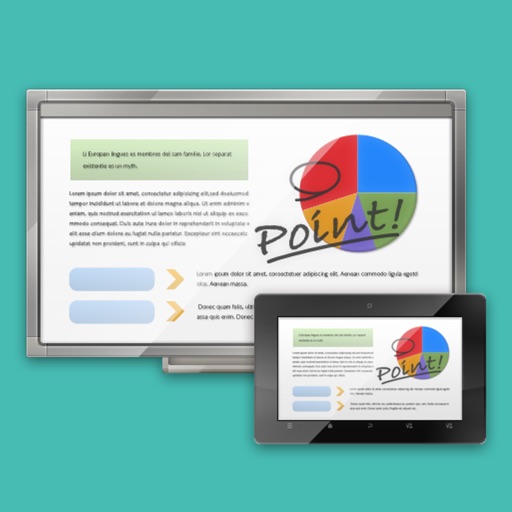
The app links a SHARP Touch Display or computer with a client device like a tablet in a wireless LAN environment. It enables sharing of meeting materials, screens, and interactive writing for annotated notes.
Transfer files between iOS devices via without file type limits. Share local documents, photos, and folders. Resume transfers, manage multiple files, and view transfer history. Sync file operations across devices.
Create and manage PDF files directly on your device. View creation history, search by name, sort by date, size, or page count. Rename files, share via built-in tools, and duplicate documents for editing.
Track books with details like title, author, copyright date, purchase price, location, and last read date. Add custom fields for personal data. Log reading progress and organize collections by genre or shelf. Export data and sync across devices.
Including English, Spanish, French, German, Japanese, Chinese, Italian, Korean, Portuguese, Russian, and Arabic. Build vocabulary through word lists and exercises. Practice speaking audio and text prompts.