
Visual File Editor
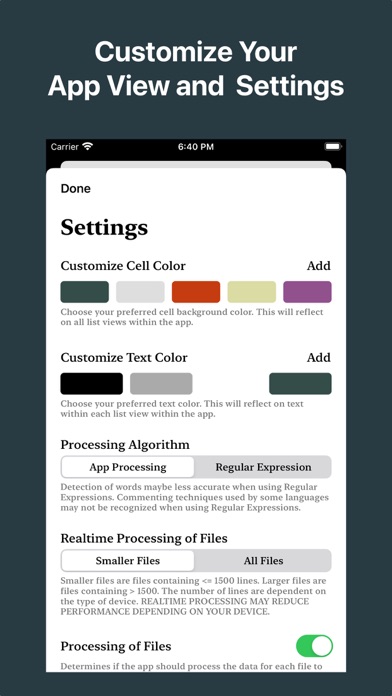
Edit files with regex or processing
Tevon Wallace
iPhone Screenshots
Description
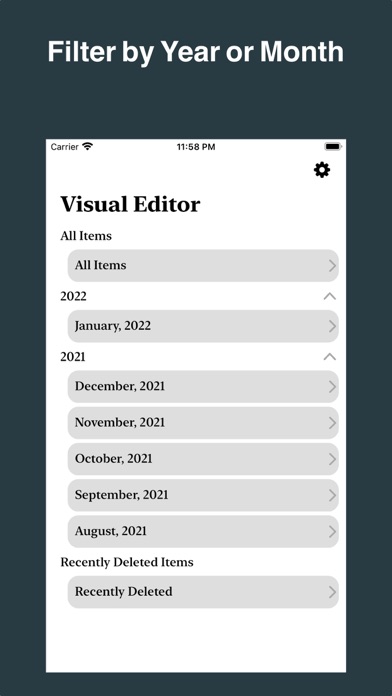
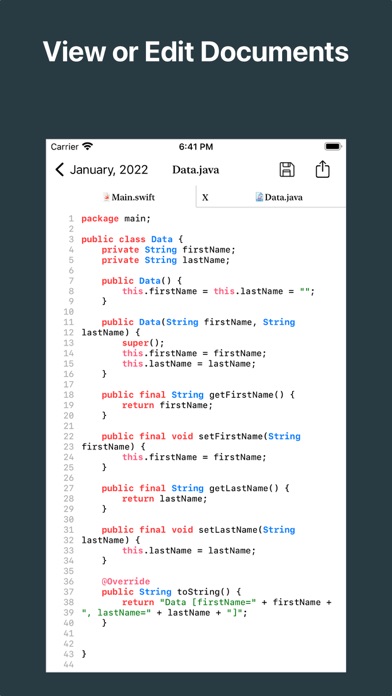
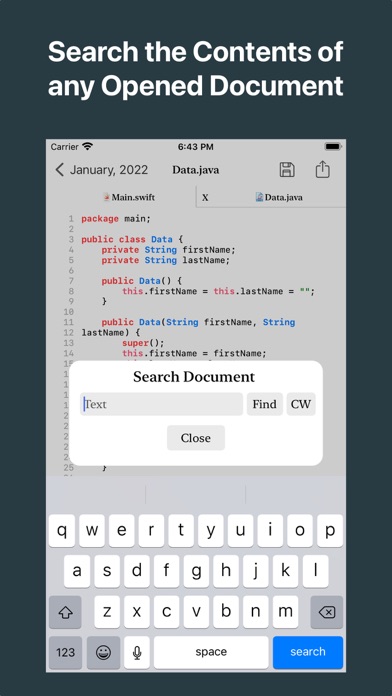
Edit files using Processing or Regular Expressions. Search files by name, type, date, or modification. View and edit source code in multiple formats. Open and navigate PDFs directly. Search within documents for specific content.
Effortlessly edit files using either App Processing or Regular Expressions to suit your needs.
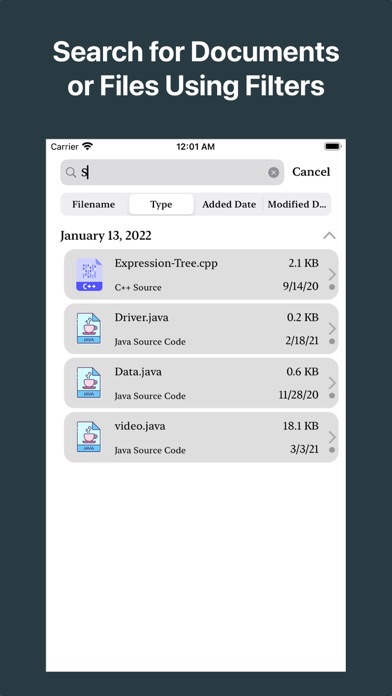
Take advantage of Advanced Search to find files by name, type, added date, or modified date.
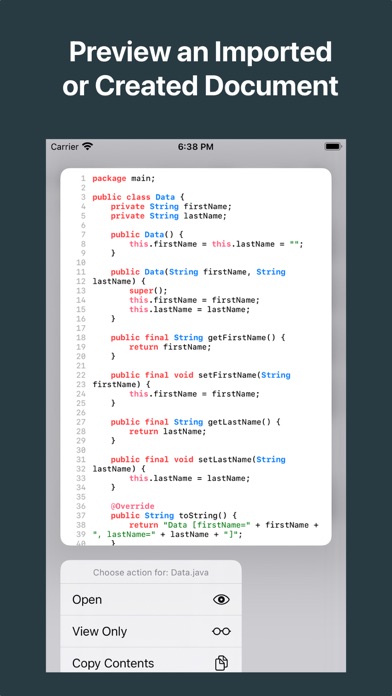
View and edit source code in a variety of file types with ease.
Open and explore PDF content directly within the app.
Search within documents to quickly find exactly what you’re looking for.
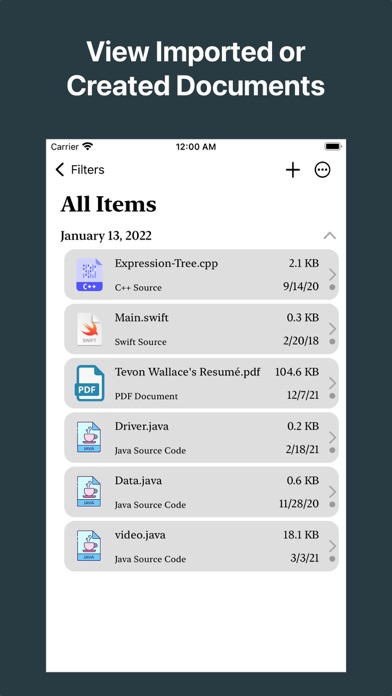
Import files easily using the Visual File Editor or the Share Sheet from iOS or iPadOS, even from external locations.
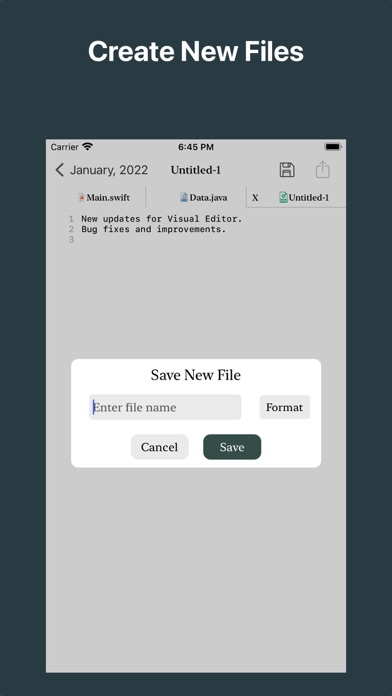
Create new files and start editing right away within the app.
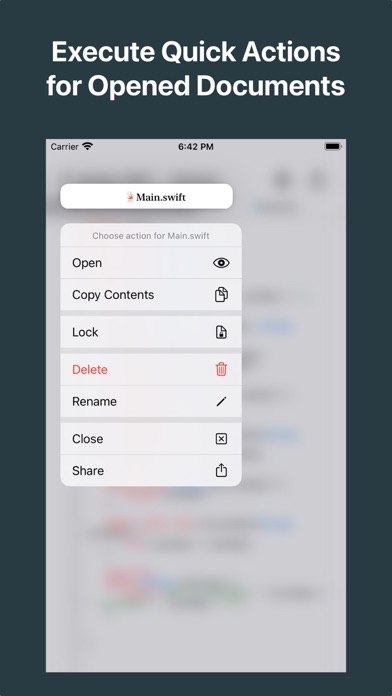
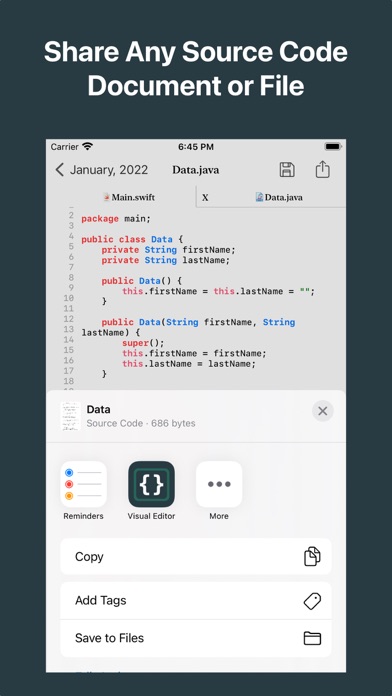
Share your modified files directly to external locations with just a few taps.
Optimized for iPadOS, with full support for Smart/Magic Keyboard and fast keyboard shortcuts to boost your productivity.