The app offers multi-layer photo editing for creating composites and artwork. It allows users to combine photos, add text, apply filters, and use AI tools for image generation and background editing.
by Pankaj Goswami★ 4.53,177 ratingsPhoto & VideoFreeData updated 2026-09-19
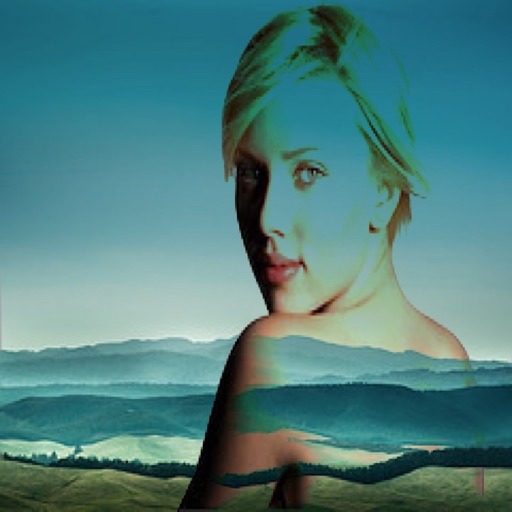
The app allows users to create superimposed, silhouetted, and double-exposed photos using their own images or from the Unsplash library. It provides tools for background selection, blending modes, and masking to craft unique image compositions.
The app allows users to create custom designs with quotes, artwork, and filters. Users can overlay text on photos using curated fonts or their own, and add designs with shapes, symbols, or emojis.
Edit photos with 12 blend modes including overlay, multiply, difference, and exclusion. Combine foreground images from a growing library of over 400 options. Export and share edited creations.
Edit images with blending effects and premade templates. Crop, rotate, and adjust . Access advanced controls for detailed editing. Save and share edited images directly.
The app provides layer support, selections, and masks for photo editing. Users can export projects with layers preserved and access various tools and filters.
Create collages by combining photos, adding stickers, and applying effects. Choose from multiple layouts and templates. Edit images with cropping and filters. Share finished collages directly to social media.
Create videos from text or images using AI effects. Apply AI-generated hairstyles and outfits to profile photos. rt in cartoon styles or old school yearbook trends. Add face filters and makeup to photos.
Create -style art from photos using AI Anime Effect. Generate images with AI prompts for creative customization. Apply filters to enhance and stylize visuals. Export and share transformed images directly.
Create custom designs using , text, images, and stencils. Add paint splatters, textures, and QR codes. Use style templates and your own photos. Design with unlimited words, phrases, and illustrations. Export and share finished projects.
Edit images with filters, effects, and background erasing. Add , stickers, and shapes to . Use layers for advanced editing. Access a large font library and sticker collection. Create flyers, posters, and social media content.
The app offers tools for photo editing, including frames, layouts, and effects. Users can adjust color balance, brightness, contrast, and saturation, and apply sharpening or blurring.
Add text to photos with customizable shapes, adjusting height, width, color, and border. Design and share text overlays on images. Create social media posts, wallpapers, stickers, and event invitations. Export and share designs directly.
The app allows users to combine two images using various blend modes. Users can select photos from their device or the web and adjust layer transparency.