The app offers a straightforward interface for accessing and playing music from a device's library. It displays full song and artist information, and playback continues even after the app is closed.
Connects to QLab Workspaces based on the template to provide visual feedback of active Click . It automatically discovers QLab instances on the network and supports connections to Main and Backup Workspaces.
Record and reverse audio instantly. Edit recordings to play . Share reversed audio with others. Explore reversed speech and sound effects. Create and play sound challenges. Adjust playback speed and volume. Save and export reversed files.
The app specializes in playing and tweaking music physically installed on the user's device. It provides control over PianoDisc iQ, allowing adjustments to albums and songs, and the piano's sound while it plays.
Amp plugin for guitarists. Adjust gain, EQ, and master volume. Simulate pre-amp and power-amp valves. Select between two channels. Save and recall presets. Connect to DAW for recording.
AV receivers via Mac with power management, volume adjustment, source selection, and playback controls. Toggle mute, navigate tracks, and adjust tuning settings. Customize shortcuts for quick access. Requires local network connection to the receiver.
The app provides two audio playback decks with features for stage performances. Users can manage tracks, edit cue points, and utilize functions like Auto Pause and Repeat.
Play with support for MP3, FLAC, WAV, CAF, AAC, and more. Save tracks for listening. Transfer to iOS devices. Create and manage custom playlists. Adjust audio settings for enhanced sound quality.
The app provides remote control for select Classé audio products. Users can manage system selection, volume, source, and audio settings like balance, bass, and treble over a Wi-Fi network.
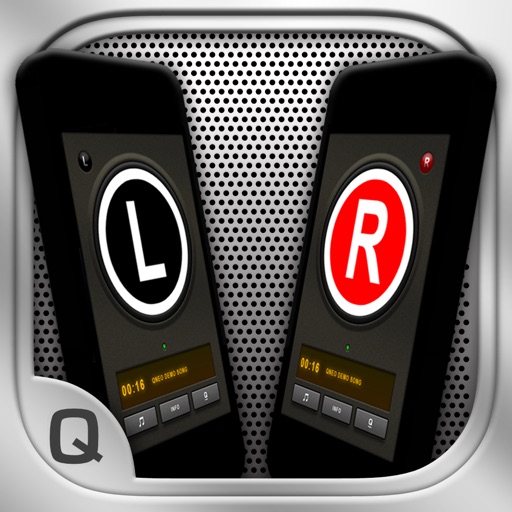
The app allows users to create a wireless stereo speaker system using two iPhones or iPads. It enables live audio streaming between devices and offers adjustable stereo effects, with optional double-display skins and beat-synchronized visuals.
The app provides MIDI event and status monitoring, SysEx editing, recording, and playback. It functions as a MIDI controller and sender, supporting Core MIDI and Network MIDI.
Control mixing consoles remotely via Apple iPad. View console layout, select banks, and operate with familiar interface. Adjust settings and monitor levels wirelessly.
Create a speaker system using two devices on the same WiFi network. Play music from one device's library on both. Connect devices via the , receive a welcome message, and select songs to play together.