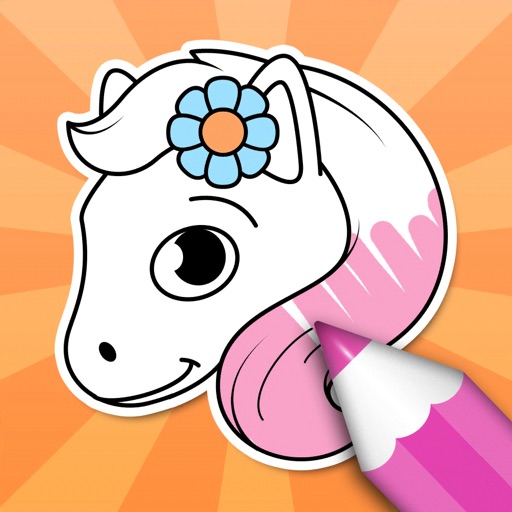
The app offers various painting strokes and color options, including continuous and gradient color changes. Users can paint on different backgrounds, their own pictures, and add characters or frames.
by ABCiSoft★ 1.01 ratingsEntertainment$1.99Data updated 2026-09-18
Create art using realistic and watercolor effects. Draw with tools like marker, airbrush, crayon, and eraser. Apply fluid-based watercolor effects in the full version. Adjust colors and blend textures for detailed illustrations.
Select a to apply tattoos. Choose from categorized designs for men or women. Place and adjust tattoos on the image. Preview how tattoos look on the . Share the edited image directly.
Play against AI or another player with customizable settings. Solve block match puzzles by connecting matching pieces. Navigate through slide escape levels by moving objects to clear paths. Connect dots in Color Link to complete patterns.
VectorPaint allows users to create illustrations with paths, compound paths, text, images, groups, masks, and gradient fills. It supports unlimited layers and exports to SVG or PDF via . Users can select, scale, and manipulate objects efficiently.
Liangjie Information Technology (Chengmai) Co., Ltd.
Record front and back footage at once
Capture records front and back footage simultaneously with Dolby Vision HDR support. BuddyShot allows real-time remote control of another phone for focus and exposure adjustments. Video Frame Extraction extracts full-size 4K frames from videos.
Color pictures with realistic painting tools and save work. Draw on blank pages with easy zoom features. Watch video replays of funny drawings. Access a variety of pages for creative expression.
Color horses with customizable brushes and patterns. Save and share completed drawings. Access a variety of illustrations. Add text labels to artwork. Export images in multiple formats.
Explore a series of interactive scenes inspired by Monet's artwork. Navigate through gardens, ponds, and rooms to collect color fragments. Complete paintings of water lilies by arranging colors.
Add frames, patterns, colors, and blur effects to profile pictures. Adjust background color and apply instant DP borders. Resize and rotate images for Instagram. Post full-size photos without cropping. Create images for social media.