The app offers various painting strokes and color options, including continuous and gradient color changes. Users can paint on different backgrounds, their own pictures, and add characters or frames.
by ABCiSoft★ 1.01 ratingsEntertainment$1.99Data updated 2026-09-18
Create fluid ink paintings with finger swipes. Use tapered brushes for organic line effects. Overlay strokes for layered artwork. Practice minimalist and painting techniques.
Create art with 10 brushes. Adjust brush size and color randomly. Import photos to doodle on. Add drawings to family images for customization. Save and share completed artwork.
Remove backgrounds or objects using AI by adding a and tapping "remove." Adjust the new background to a custom color, white, another image, a gradient, or a preset. Add text, shapes, and photos to the edited image.
Convert rectangular photos to (1:1) or portrait (4:5) formats. Select media, choose layout options, and share directly. Add white frames and adjust background colors for clean, framed visuals.
Draw and color images of and vegetables with a variety of colors. Choose from 50 different doodles. Save and load pages. Includes educational content for toddlers.
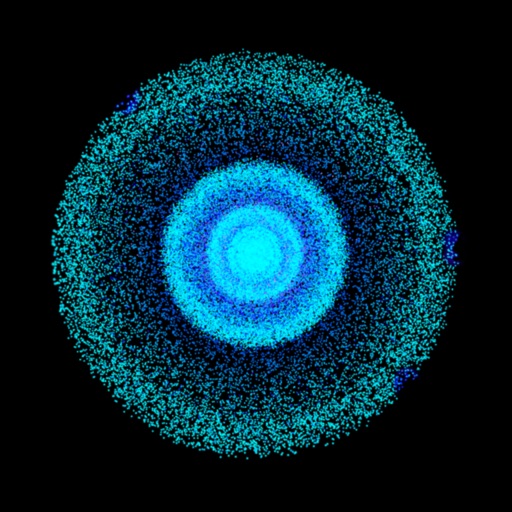
The app generates particles and simulates gravity with interactive fingertip control. It renders particles at higher resolution in dense areas and supports up to half a million particles on screen.
Edit photos with 3D and color effects to create立体 art. Apply special effects to enhance images. Save and share edited photos directly. Use fun and intuitive editing tools for creative customization.
The app creates unlimited collages with a single tap using a SmartSorting algorithm. Users can import photos, select modes, and apply various styles, text, backgrounds, filters, and stickers.
Color pictures with realistic brush strokes and save creations. Access a variety of pre-drawn images to color. Draw freely on blank pages with zoom functionality. Watch video replays of drawing sessions.
Edit screenshots with customizable backgrounds and size adjustments. Apply preset ratios for optimal display. Share enhanced images directly from the .
Create art with a variety of color palettes and brush tools. Choose from daily themed pages. Customize colors and patterns. Save and share completed artwork. Adjust brush size and opacity for detailed strokes.