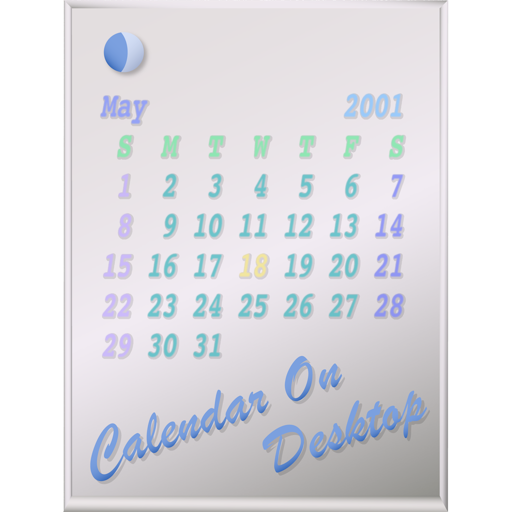
The app displays calendars on the user's Mac desktop. It allows users to move, resize, and customize the calendar's appearance, including displaying multiple months and iCal events.
by Takashi Hamada★ 0.00 ratingsUtilities$2.99Data updated 2026-09-18
The app allows users to place unlimited docks on their desktop for files, folders, and applications. Users can customize dock positioning, visibility, and labeling for faster launching.
Customize home screen layouts with dynamic widgets. Add digital and analog clocks, calendars, and photo widgets. Choose from multiple design options and personalize layouts to suit individual preferences.
Allows users to add handwritten memos and photos to calendar entries. Users can take photos using a camera-equipped iPad, resize images, and input text directly into calendar events.
Offers unique home screen with exclusive design styles. Features include morse code clocks, dot matrix displays, word clocks, and dayloader progress clocks. Users can preview calendars and weather directly on the home screen.
Browse websites in desktop view for better compatibility and usability. Access third-party web apps normally restricted to desktop browsers. Adjust user agent settings to customize browsing experience.
Sync with iOS and Google Calendars to manage events and tasks. Add photos to a diary, create and sync ToDos with Google Tasks, and customize themes. Track daily schedules, set reminders, and organize events in multiple views.
Print calendar views including day, week, month, and custom lists to any printer. Email calendars or reminders as PDF files. Share monthly calendars or family shopping lists via print. Print maps and driving directions for appointments.
Display customizable for weather, clock, calendar, and battery status. Set dynamic wallpaper and photo frame themes. Access health data and lock screen features. Add cute and calming to enhance desktop interface.
Create and manage multiple countdowns for events. Display countdowns on the home screen using widgets. Customize countdowns with built-in themes or personal designs. Automatically update countdowns in the list and on widgets.
View Mac desktop images on iOS or Apple Watch without desktop interface distractions. Connect with on Mac. Drag image files to the Dock icon to preview. No file saving required.
Displays battery level and state, shows disk usage, tracks real-time CPU usage and average load. Monitors network connections and operating information.
The app offers a beautiful interface for viewing and managing calendars on iPhone and iPad. It syncs with existing events and allows quick event addition with a custom alert system.
Print calendars and reminders directly to AirPrint-compatible printers. Share calendar data as PDFs. View events in Day, Week, Month, or List formats. Select custom date ranges for printing.
Displays upcoming weekends with event details from iOS calendars. Allows selection of calendars to show. Includes Friday evenings with customizable cut-off times. Offers in- purchase to add custom holidays and vacation days.
Widgets allows users to add and customize widgets on home , lock , control center, and live activities. Widgets can be personalized with transparency modes and system optimizations.