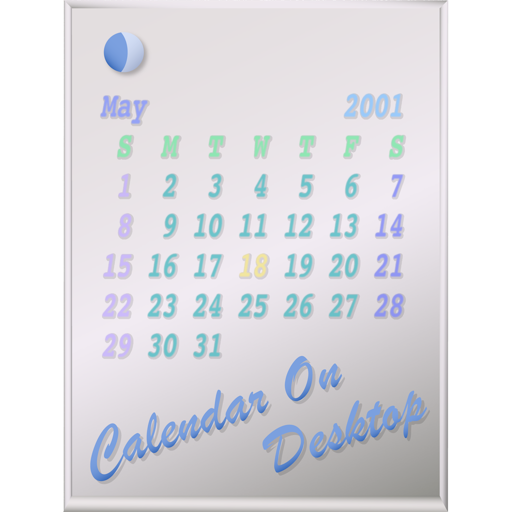
The app displays calendars on the user's Mac desktop. It allows users to move, resize, and customize the calendar's appearance, including displaying multiple months and iCal events.
by Takashi Hamada★ 0.00 ratingsUtilities$2.99Data updated 2026-09-18
Displays a large digital on the table. Shows in seconds on dynamic island, lock screen, and home screen. Provides full-screen view for easy reading. Includes hourly chime and reminders. Allows voice command to stop the alarm.
Create and manage schedules with customizable calendar views including monthly, weekly, and daily formats. Adjust start day and time settings. Import events from other calendars. Annotate calendar entries with Apple Pencil.
Access calendar events from iCal, BusyCal, and Google in one interface. View weather forecasts, birthdays, Facebook updates, and other reminders. Quickly navigate and manage all information with mouse or keyboard shortcuts.
Add widgets to your home screen to display news, weather, calendar events, and more. Customize styles and colors. Easily add, remove, and adjust widgets through a simple interface.
Track with categorized entries and budget tracking. View transactions on a calendar. Customize categories and accounts. Set passcode for security. Backup data to iCloud and export to CSV. No registration required.
Create and manage personal calendars with handwritten and drawings. Color code events for organization. Drag and drop to reschedule. Add rich text entries via keyboard. Sync with Apple Pencil for precise input.
Displays current time with customizable digital , including options to show seconds, date, and day of the week. Features music , timer, stopwatch, and widget. Allows photo backgrounds and automatic unlock functionality.
Display full- digital time with seconds on dynamic island and . Choose from various digital font styles and customize colors. Show date and week information. Set hourly chimes and voice time announcements.
Create and print custom calendars by selecting a month and adding background images. Customize layout and export as PDF or print directly. Share calendars via email or social media.
Manage shared calendars and schedule tasks with smart AI assistance. Assign and track chores, plan meals, and organize trips. Collaborate on email and document sharing. Set reminders and receive notifications for upcoming events.
Customize lock screen with quotes, countdowns, and launchers. Choose from 500+ themes and 5000+ HD wallpapers. Update weekly for new designs and widgets. Replace default lock screen with personalized aesthetic options.
Stay updated with news and events tailored to your interests. View daily updates on games, videos, and comics. Track dates with an animated calendar featuring customizable characters.
Pop Out displays a floating , , pomodoro, or in picture-in-picture mode. Users can move, resize, or hide the window. It supports precise timing for tasks like presentations or workouts. Subscription payments are processed through iTunes.
The app displays the time with 140 style options, including 28 color themes and 5 color fonts. It offers 12 or 24-hour modes, portrait and landscape viewing, and customizable clock styles and status settings.
Display favorite photos in customizable albums. Add widgets of different sizes to the home screen. Each shows photos from a specific album. Set refresh intervals for each .
Create and manage shift work schedules by registering unlimited shift templates and repeat cycles. Display iOS calendar events alongside shift calendars. Add notes, summarize shifts per month, and choose custom styles and colors.
Measures environmental noise and displays decibel values in real time. Shows current noise reference and min/avg/max dB levels. Displays dB as a gauge and graph line. Saves measured records for later review.