
Apps Like Mandalas LITE for iPhone and iPad
Draw symmetrical patterns with colors.
The app is a kaleidoscopic drawing program. Users can paint mandalas using symmetrical patterns and a color palette.
Mandalas LITE screenshots
Ranked alternatives
Showing 121–140 of 1,000 ranked alternatives.

Mandala Maker 360
Bhupesh Singh
Create mandalas with customizable symmetry and brushes
Create intricate mandalas by adjusting canvas symmetry, background color, and brush settings. Use predefined patterns or images for drawing. Apply shadows and customize center points. Save and share completed designs.
Manga & Anime coloring book
Zineb Aouam
Color and pages
Offers and themed pages for drawing. Users can select from characters, animals, robots, and princesses. Features include easy navigation, saving progress, and exporting artwork. Suitable for all ages and interests in creative drawing.

Christmas: Kids coloring games
Bytwice srl
Color drawings, solve puzzles, interact with sounds
Create drawings to color with an incredible sensitive paint brush. Solve puzzles with sounds and interactive backgrounds. Features simplified interaction for young children and proprietary "MAGIC BORDER" technology. Includes a fun happy ending scene.

Doodle Color: Coloring Book
RoboNacho Systems, LLC
Coloring book for creative expression.
The app offers a meditative coloring experience with over 750 pictures including mandalas, animals, and more. It provides unlimited color palettes and works offline, allowing users to create satisfying, creative masterpieces.
Daydream Doodler
Norbyte
Draw art with a cartoon style.
The app offers cartoon-inspired drawing tools, including Pen and Eraser. It features fingertip stroke size adjustment and full Apple Pencil support.

Miyako Coloring Book
yann le coroller
Pages and create art
Create art with hand-drawn illustrations by Olivia De Bona. Choose from 50+ exclusive designs. Use tools to , sketch, and customize images. Save and share completed artwork. Adjust brush size and opacity for detailed work.

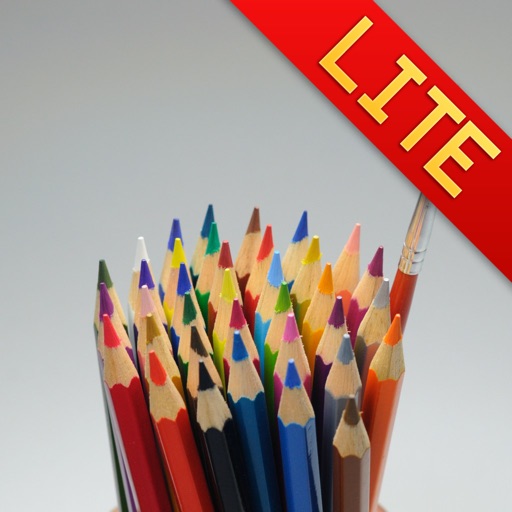
Water Color Pencil Lite
Raysoft.co
Draw with pencils and flow effect
Create art using realistic and watercolor effects. Draw with tools like marker, airbrush, crayon, and eraser. Apply fluid-based watercolor effects in the full version. Adjust colors and blend textures for detailed illustrations.

Mandala Color by Number Book
MARGALA GAMES LTD
Mandalas with glitters and sparkles
Create mandalas using watercolor, crayon, and oil paint tools. Add glitters for sparkle effects. Choose from anti-stress coloring pages and creative templates. Save and share finished artwork.
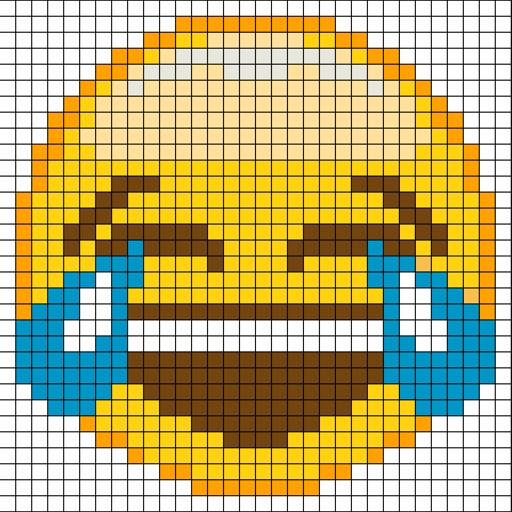
Pixel Art - draw with dots
Mireia Lluch Ortola
Paint pixels, create art, share images
Create by painting individual pixels. Adjust canvas size, select colors, and customize border settings. Erase, undo, and resize drawings. Save artwork to gallery and storage. Share completed pieces others.
Mandala Maker 360 Pro
Bhupesh Singh
Draw mandalas with customization and symmetry
Create intricate drawings with customizable symmetry, background color, and brush settings. Apply shadows and use predefined patterns or images for inspiration. Export and share finished designs.
Drawing Pad
The App Tower Inc.
Draw, animate, and save artwork
Draw with responsive touch input and customizable brush sizes. Apply sparkle animations while creating art. Save drawings to the device photo album. Share completed artwork directly.
Glaze
Gilles DEZEUSTRE
Turn photos into paintings
Turn photos into paintings using preloaded styles and custom brushes. Adjust brush strokes with paint masks and save images with transparent backgrounds. Generate unique styles in Workshop mode and share or print finished artwork.

Pixelmator Classic iOS
Apple Inc.
Edit images, add layers, and sketch digitally
Create image compositions with layers, shapes, and text. Edit photos with touch-up tools and painting features. Add filters and adjustments. Export in various formats and share directly.
Drawing Pad - draw & paint art
ISMITECH COMPANY LIMITED
With precision and flexible brushes
On a canvas with customizable brush sizes and pressure sensitivity. Adjust line width and opacity. Save and share drawings in various file formats.

How we rank alternatives
Apps are ranked by functional similarity, category fit, rating confidence, and popularity.