

Apps Like Do! - Simple To Do List for iPhone and iPad
Add tasks, complete tasks, done
Add tasks quickly and mark them as complete with a double tap. Set reminders for important items. Automate recurring tasks with weekly, monthly, or yearly repeats. View completed tasks and manage priorities without complex settings.
Do! - Simple To Do List screenshots
Ranked alternatives
Showing 881–900 of 1,000 ranked alternatives.


AGS FM
Irshad KK
Track tasks, manage teams, oversee tickets
Manage facility tasks, track work orders, and oversee team performance. Assign and monitor assignments, update ticket statuses, and access real-time operational data. Sync with central systems for accurate reporting and workflow management.


Any.do for Safari
Any.DO inc.
Manage tasks, plan projects, collaborate seamlessly
Manage personal and team tasks with task creation, drag-and-drop organization, and context-switching task completion. Add web pages or notes as tasks. Collaborate on projects and track progress within the browser extension.
Perl Runner
兰桂 吴
Write and run Perl code instantly.
The app allows users to write and run Perl code instantly without saving files. It supports opening and running .pl scripts, displaying output as plain text or HTML, and includes features like auto-completion and syntax highlighting.


TaskBadges
Rico Gundermann
Open tasks shown on file icon.
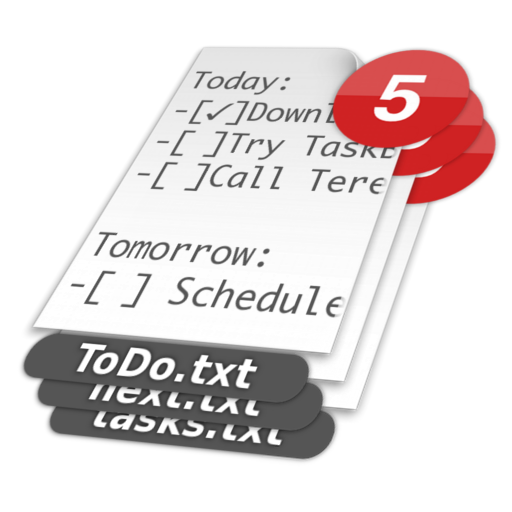
The app displays the count of open tasks from a plain-text to-do list on the file's icon. Users can view remaining tasks by looking at the file icon.

LifeTabs
Marcus Coulter
Plan your day, set reminders, track tasks
Plan your day with a simple interface that displays priorities, tasks, bills, and steps at a glance. Add tasks quickly without complex setup. Receive gentle suggestions and view overdue items. Sync with NovaAI Lite for private, offline guidance.


Pomodolist
Nehal Tibrewal
Organize tasks and track progress
Create categories to organize tasks and manage workflow. Add tasks instantly for quick to-do list updates. Set priorities and deadlines for each item. Track progress with completion status. Sync across devices for seamless access.

ToDo+Focus!
Yusaku Akimioto
Capture tasks, start focus timers, organize work
Create and manage tasks with folders for organized work. Start a focus timer with one tap for Pomodoro sessions. View progress with a subtle ring. Filter tasks by today and importance. Set optional reminders for task completion.


Tasked: Simple To-do Lists
Sam Oakley
Simple to-do lists for iOS.
The app provides a simple approach to to-do lists using iOS reminders. Users can create, sort, mark, and delete tasks, with support for batch editing and sharing list items.

sf2Pro
SUNFLOWER TO PROFESSIONALS PTE. LTD.
Manage service contracts and tasks
Manage service contracts and team tasks with . Track requirements, solutions, and risks. Alert stakeholders about critical issues. Collaborate on deliverables and evaluate project outcomes. Sync team progress and refine service relationships.
How we rank alternatives
Apps are ranked by functional similarity, category fit, rating confidence, and popularity.