The app offers a virtual accordion with a responsive fingerboard, playing in five tones. It allows musicians to practice scales and songs, with options for headphone use or amplified performance.
by Michael Eskin★ 3.97 ratingsMusic$4.99Data updated 2026-09-17
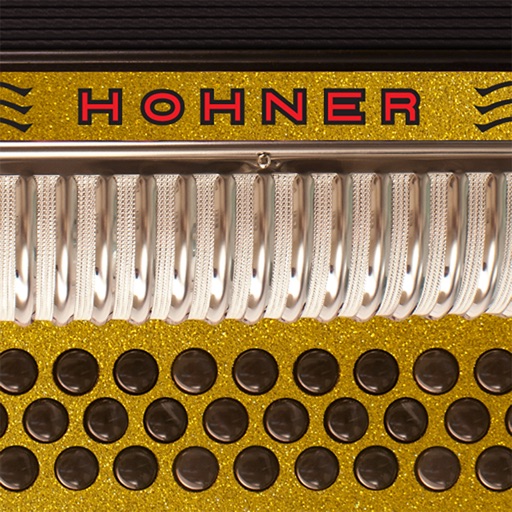
The app mimics the layout of Hohner's Corona Classic diatonic accordion. It features a three-row fingerboard that plays in EAD, FBbEb, and GCF tones, with adjustable volume and reverb.
Play virtual accordion with a three-row fingerboard that mimics the traditional instrument's layout. Practice chord combinations, scales, and songs in five key combinations. Choose from color options to customize the interface.
Play a virtual accordion with a one-row fingerboard that mimics the IV's layout and 4-reed sound. Practice scales, chords, and songs. Use headphones for private practice or connect to audio output for playing.
The app mimics the layout of Hohner's Corona II Xtreme 34-button diatonic accordion. Musicians can practice chord combinations, scales, and songs on-the-go in five different key combinations and colors.
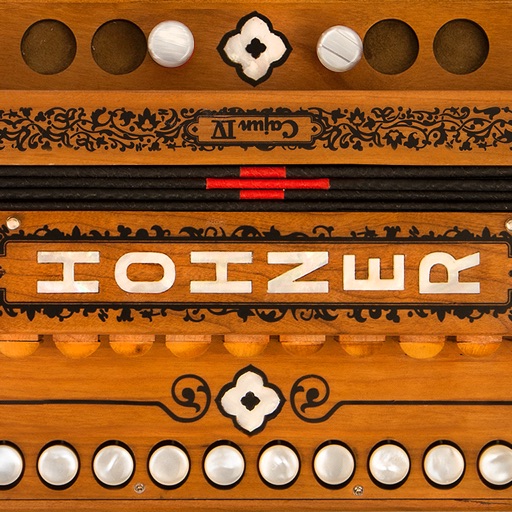
The app replicates the Hohner Cajun IV diatonic accordion with a responsive fingerboard. It plays in C, A, Bb, D, and G, offering treble and bass/chord sides for practice.
Play virtual accordion with a two-row fingerboard that mimics the traditional instrument. Practice scales and tunes on-the-go. Use headphones for private practice or connect to speakers for audio output.
The app is a 31-button three-row diatonic Button Accordion CoreMIDI control surface for the iPad. It is designed for playing hardware and software MIDI synthesizers via a CoreMIDI compatible interface or virtual MIDI instruments.
Play using a virtual with realistic sound. Choose from multiple instruments including , violin, and harpsichord. Access free songs and chords for practice. Adjust settings to customize sound and playback.
Play with multiple game variations and customizable settings. Use features like Winning Deals, Deal Preview, and Hints to strategize. Choose from different backgrounds, card styles, and photo card backs. Track progress and replay previous .
Play classic like Klondike, FreeCell, and Spider. Try original variations such as Baker's Game and Scorpion. Manage multiple decks, undo moves, and save progress. Compete in timed challenges and track high scores.
Create music with a wide range of instruments, loops, and samples. Record and edit tracks. Export projects in multiple formats. Collaborate in real-time with others. Access advanced mixing and mastering tools.
Play with a virtual and realistic instrument sounds. Tap keys under falling tiles to follow musical hints. Choose from various and instrument sounds. Track progress and replay game sessions.
Access with professional backing tracks for various instruments and skill levels. Play along with audio recordings, mute your instrument, and follow scrolling . Practice pieces with real-time feedback and track progress.
The app provides a first piano experience for children, featuring 83 songs with a guided learning mode. It offers note names on keys and allows users to unlock additional instruments for varied sound experiences.
Learn to play the with interactive lessons and a full 17-key instrument. Access over 650,000 songs from music songbooks. to a real for note recognition. Play daily challenges, view global leaderboards, and record audio while playing.