The app offers a virtual accordion with a responsive fingerboard, playing in five tones. It allows musicians to practice scales and songs, with options for headphone use or amplified performance.
The app mimics the layout of Hohner's Corona Classic diatonic accordion. It features a three-row fingerboard that plays in EAD, FBbEb, and GCF tones, with adjustable volume and reverb.
The app is a 31-button three-row diatonic Button Accordion CoreMIDI control surface for the iPad. It is designed for playing hardware and software MIDI synthesizers via a CoreMIDI compatible interface or virtual MIDI instruments.
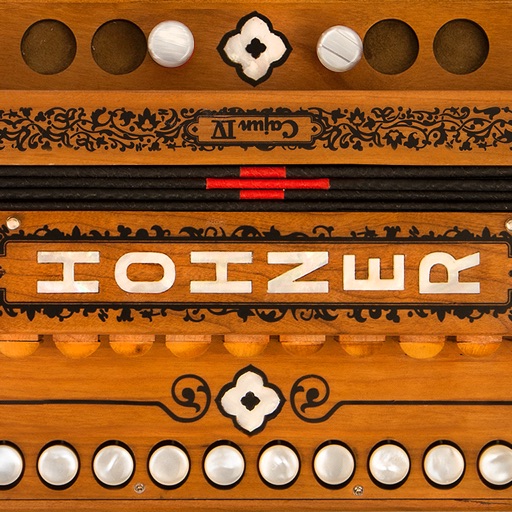
Play a virtual accordion with a one-row fingerboard that mimics the IV's layout and 4-reed sound. Practice scales, chords, and songs. Use headphones for private practice or connect to audio output for playing.
Play virtual accordion with a two-row fingerboard that mimics the traditional instrument. Practice scales and tunes on-the-go. Use headphones for private practice or connect to speakers for audio output.
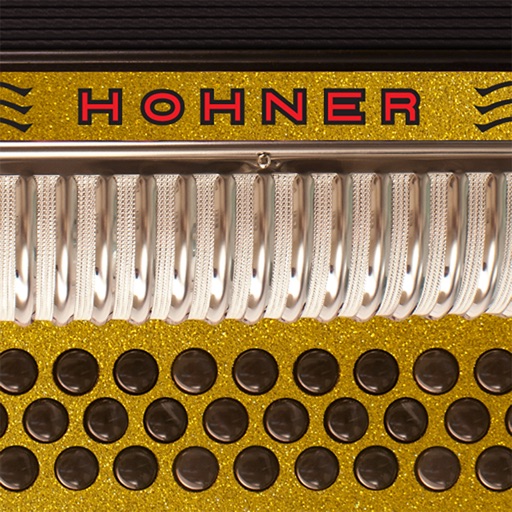
Play virtual accordion with a three-row fingerboard that mimics the traditional instrument's layout. Practice chord combinations, scales, and songs in five key combinations. Choose from color options to customize the interface.
Controller for iPad with button accordion layout. Connects to CoreMIDI compatible synthesizers. Sends data to software instruments. Controls virtual instruments like Roland Sound Canvas and SampleTank.
The app replicates the Hohner Cajun IV diatonic accordion with a responsive fingerboard. It plays in C, A, Bb, D, and G, offering treble and bass/chord sides for practice.
Create and edit sheet and guitar tabs using touch piano, guitar fretboard, or drum pads. Play back compositions with over 90 instruments. Share directly or export as PDF. Sync with web version for editing on multiple devices.
Access studio-quality backing tracks for practice and performance. Customize tracks to fit your style. Sync with chords, diagrams, and lyrics for real-time guidance. Jam with virtual band members. Share performances and receive feedback.
Practice with interactive exercises that improve accuracy, rhythm, and note recognition. Use MIDI instruments, microphone input, or on-screen keyboard for flexible practice. Track progress and refine musical skills through targeted sessions.
And find chords based on the circle of fifths. Learn scales and chord progressions. Identify compatible chords within a key. Set and track musical goals. Sync with instruments and export progressions.
With an 88-key virtual keyboard. Switch between single-row, double-row, and double-player modes. Use multitouch and force touch for responsive input. Adjust keyboard width.
Generate chord progressions based on selected moods for guitar, piano, and ukulele. Explore alternative progressions for song sections like bridges or solos. Listen to examples or play along. Save and share created progressions.
The app mimics the layout of Hohner's Corona II Xtreme 34-button diatonic accordion. Musicians can practice chord combinations, scales, and songs on-the-go in five different key combinations and colors.
Play multiple instruments simultaneously using MIDI Polyphonic Expression. Access 8 layouts with multiple rows and octaves. Choose from 15+ scales. Use a powerful arpeggiator. Operate as a standalone device with multiple keyboards.