

Apps Like DoodlePop for iPad for iPhone and iPad
Draw and play with cute
Allows children to draw using color selection, shape tools, and an eraser. It plays with each stroke and includes a random color option. Users can change line thickness and save drawings.
DoodlePop for iPad screenshots
Ranked alternatives
Showing 141–160 of 1,000 ranked alternatives.

Canvas SketchBook Pro
MULTI MOBILE d.o.o.
Draw sketches with brushes and layers
Draw sketches using brushes and tools with support for Apple Pencil. Create layered artwork and zoom for detailed painting. Import and export vector images in PDF, PNG, and JPEG formats. Use color or photo backgrounds. Save artwork for later.
Draw Poise : Touch Drawing
VNSTART SMART SOFTWARE COMPANY LIMITED
And complete challenges
Along hidden lines to complete challenges. Rate drawings with 1 to 3 stars. Unlock cute animals and funny objects based on performance. Retry drawings if they are not good enough.
Learn to Write & Trace ABC
Greysprings Software Solutions Private Limited
Letters, numbers, and shapes
Teaches toddlers to and lines, shapes, and letters. Includes ABC, numbers, and languages like Spanish and Hindi. Features phonetic learning and interactive tracing exercises. Enhances hand-eye coordination through drawing activities.

Kings in the Corners+
fishdog.net, LLC
Build card piles, empty hand wins.
The app is a card game where players build card piles from 13 down to 1 with alternating colors. Users play against three robot players, and the first to empty their hand wins.


PixelPencil - Pixel art editor
Yosuke Seki
Draw art with layers and zoom
Create art with layer editing tools including adding, deleting, duplicating, hiding, sorting, and grouping layers. Use blend modes and transparency settings. Access various tools like pen, eyedropper, eraser, and selection.

Drawing Horse Coloring
Qingdao Buludaer Network Technology Co., Ltd.
Draw shapes to create anime characters
Learn to draw cartoon characters starting with simple shapes like circles and rectangles. Follow step-by-step guides to color line drawings using various brushes. Access templates for food, fairytale characters, and more.
Let's Learn How To Draw
Playtend Apps LLP
With tools, save your artwork
Teaches drawing through interactive lessons and animated strokes. Breaks down drawings into simple shapes. Allows users to practice on a digital canvas. Offers guidance for both beginners and experienced artists.
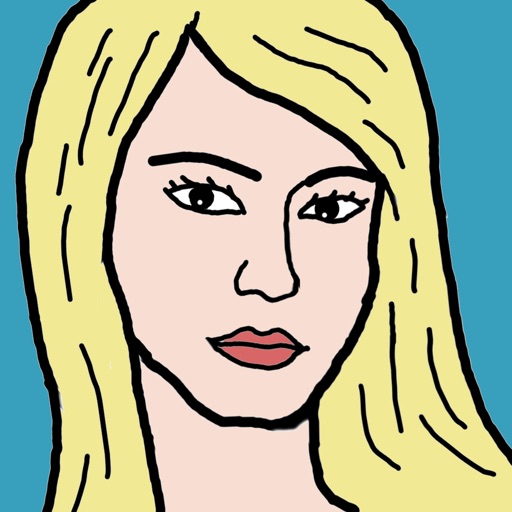
Draw Me!!
Voxeloid Kft.
Portraits, share selfies, view art
Take a selfie and submit it for others to portraits. Browse community artwork including masterpieces, doodles, and caricatures. Use GPU-accelerated tools with various brushes for drawing.

Color by Numbers - Halloween +
Kedronic UAB
Halloween coloring fun for kids
This app offers Halloween-themed coloring pages for children. It includes modes for coloring by numbers, geometric figures, letters, and simple math problems.

Just Draw the Line Drawing
HMBL APPS
Lines to complete shapes
A continuous to complete shapes without lifting your finger or retracing steps. Solve puzzles by connecting dots in a single path. Progress through increasingly complex challenges.
Asketch
Andrew Kern
Sketch anywhere, draw anytime
Sketch directly on the screen with pressure-sensitive tools. Adjust brush size and opacity. Rotate, resize, and move drawings. Save and share artwork in various formats. Export as vector or raster files.
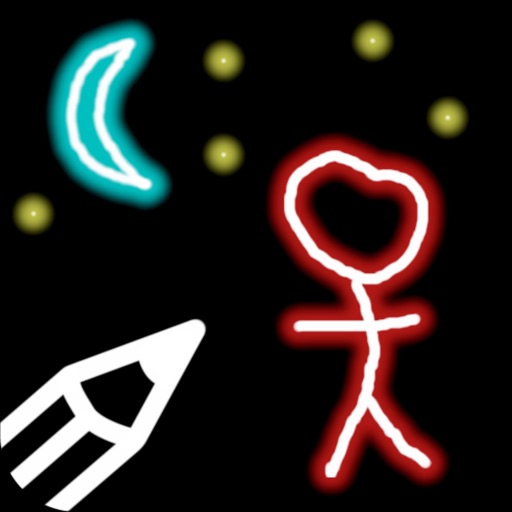
Glow Draw!
Indigo Penguin Limited
Draw with glowing effects now.
The app allows users to draw with glowing effects. It is an early version with free updates available.

Goodness Shapes
Little 10 Robot, LLC
Learn , colors, and patterns through matching
Teaches through matching and sorting games. Includes 12 challenges for circle, square, triangle, rectangle, pentagon, hexagon, octagon, crescent, star, and diamond. Practices color recognition through interactive activities.

Fruits Coloring & Drawing
Hiren patel
Draw and color with different colors
Draw and color images of and vegetables with a variety of colors. Choose from 50 different doodles. Save and load pages. Includes educational content for toddlers.
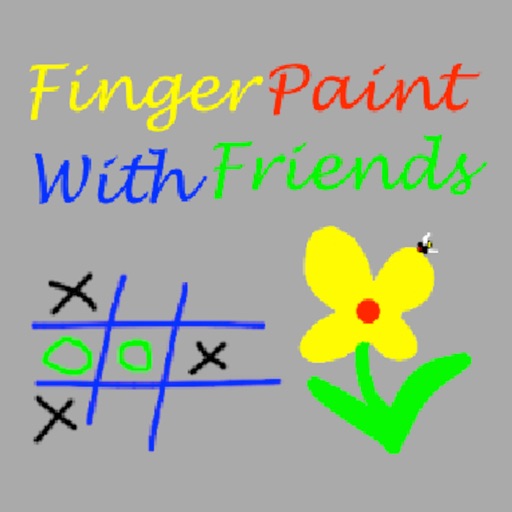
FingerPaint With Partners
Peter Kramer
Draw together on a shared screen.
The app allows users to draw with their finger on an iPhone, iPad, or iPod Touch. Users can select from 6 colors and 5 line sizes, and connect two devices to share a drawing screen with a friend.

Shapes Flashcards
Preschool Prep Company
See shapes come to life animated.
The app teaches shape recognition with animated flashcards. It features large shapes for young children to interact with, including Circle, Diamond, Octagon, Oval, Rectangle, Square, Star, and Triangle.
How we rank alternatives
Apps are ranked by functional similarity, category fit, rating confidence, and popularity.