Allows children to draw using color selection, shape tools, and an eraser. It plays with each stroke and includes a random color option. Users can change line thickness and save drawings.
by PICxPIC, Inc.★ 4.267 ratingsEducationFreeData updated 2026-09-08
Create by painting individual pixels. Adjust canvas size, select colors, and customize border settings. Erase, undo, and resize drawings. Save artwork to gallery and storage. Share completed pieces others.
On a virtual surface with finger or stylus input. Choose from various drawing tools and colors. Save and share creations directly. Supports touch and pen interaction for precise drawing.
Create flowing art with a magic brush that responds to finger or Apple Pencil input. Draw mandalas and wallpapers by swiping to blend strands. Save and share artwork. Supports 3D touch and Apple Pencil for enhanced drawing experience.
Draw on a virtual canvas with responsive touch input. Adjust brush size and opacity. Save and share drawings directly. Supports multiple layers and color options.
The app allows users to decorate pictures with text typed along a drawn line. Users can select from nearly 300 fonts, adjust text properties, and apply filters or change backdrops.
Learn and through interactive games. Sort objects by shape or color. Practice coloring within lines. Identify basic and . Complete puzzles and matching activities. Receive feedback and encouragement during play.
Create art with drawing tools and color palettes. Explore ABC tracing, shape recognition, and logic puzzles. Learn about countries through flag identification. Listen to interactive bedtime stories. Track progress with activity completion badges.
Create art with a wax simulator that mimics real-life drawing. Adjust stroke size based on finger contact area for precise control. Draw thin lines with fingertips or broad strokes with full finger pressure.
Allows children to draw freely with various brushes. They can save and revisit previous drawings. The supports drawing on iPhone, iPad, and iPod Touch.
Create art with hand-drawn illustrations by Olivia De Bona. Choose from 50+ exclusive designs. Use tools to , sketch, and customize images. Save and share completed artwork. Adjust brush size and opacity for detailed work.
PLAY AND LEARN EDUCATIONAL GAMES FOR KIDS PLEI END LERN EDYUKESHINAL GEIMS FO KIDS, TOO
Draw, paint, and create with fun animals
Draw with brushes, markers, or crayons on various pages. Trace shadows to identify animals. Tap blocks to create pixel art. Collect stickers. Paint with vibrant colors and patterns. Choose from multiple pages.
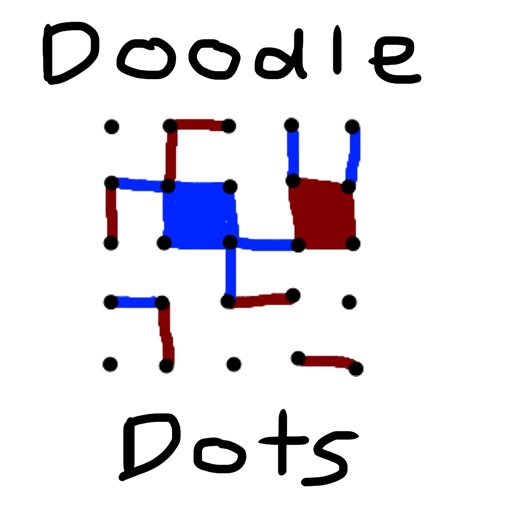
The app provides a digital version of the pencil and paper game Dots. Players connect dots to complete squares, aiming to fill more squares than their opponent.
Play as a colored square and change your color to merge with surrounding squares. Solve puzzles by eliminating all other colors. Complete 40 levels with elegant visuals and simple mechanics.
Play with one or two human players or against AI opponents. Choose from wooden, metal, or glass board themes. Highlight legal moves with glowing pieces and squares. Move pieces by sliding or tapping. Adjust player types in settings.
Kids can animals and watch them come to life with interactive drawings. Features include drawing tools, selection, and animated animals. Parents can monitor activity and take breaks while children engage in creative play.
The app offers drawing tools, color options, and frame management for creating animations. Users can export animations to video or animated GIF formats and share them.
The app allows users to draw and design with various line weights, colors, and types. It includes tools for adding text, different paper grids, and saving or exporting drawings as pictures or PDFs.
Draw figures with a single continuous without retracing any line. Navigate through levels with challenges like directional lines, warp points, and triggers to complete each puzzle. Track progress and solve increasingly complex paths.