Learn to fold by following step-by-step instructions for 15 shapes like tulips, lilies, and cherry blossoms. Access high-quality diagrams and photos. Use a simple interface to follow folding techniques and create art from ordinary paper.
by Andreas Bauer★ 4.6190 ratingsEducation$2.49Data updated 2026-09-08
Generate AI art by typing any idea and watching it come to life. Create portraits, landscapes, and characters. Convert photos into artistic styles. Edit and download generated artwork in various formats.
Use your phone camera to draw on any surface. Access templates for animals, cars, and nature. Utilize the built-in flashlight for better visibility. Share completed drawings with friends. Create art using augmented reality technology.
Create origami by following step-by-step instructions. Choose from various origami shapes. Decorate with unique designs. Enhance reading experience with custom .
The app provides arithmetic practice with tips and game modes. It supports various problem sizes and operations, offering step-by-step instructions for all difficulty levels.
Teach toddlers basic cooking skills through interactive gameplay. Children follow step-by-step recipes to create dishes like pizza and tacos. Explore ingredients and learn food preparation techniques.
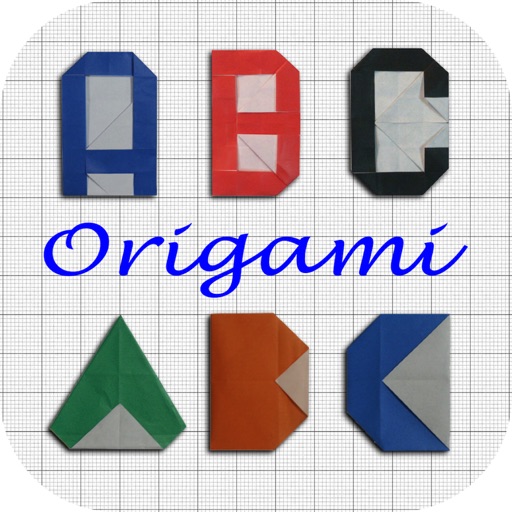
The app teaches users how to fold paper into capital alphabet letters. It can help children increase vocabularies by building words with folded papers and develop hand coordination and small motor skills.
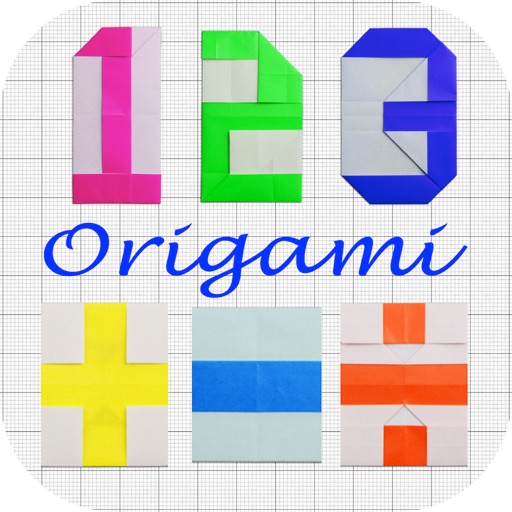
The app teaches users origami, the Japanese art of paper folding. Users can create numbers with paper to spell words, which helps children increase vocabularies and develop hand coordination.
Follow visual step-by-step guides to solve a Rubik's in under three minutes. Learn 21 efficient moves to complete the . Track progress and practice solving techniques to improve speed and accuracy.
Use your phone to project templates onto paper for . Upload and create custom art. Access sections for anime, tattoos, and cars. Record video of your process. Sync drawings with AR features for enhanced sketching.
Create art by following numbered grids. Choose from pre-designed images or generate custom designs using AI. Adjust colors and save projects. Share artwork directly or export in various formats.
Access age-based guidance tailored to child's developmental stage. Set daily goals and track progress over time. Receive personalized tips and strategies for challenging situations.
Create crafts with video tutorials that guide users through each step. Choose from various projects to make handmade gifts and decorations. Learn techniques for beginners and advanced crafters alike. Save and share finished projects.