Reduce photo size using 10 predefined levels or custom dimensions. Crop images to any position and size. Rotate photos in 90-degree increments or straighten them. Adjust orientation and export edited files.
by Koichi Otera★ 3.04 ratingsProductivity$1.99Data updated 2026-09-08
Edit photos using like Linear, Vignette, and Sepia. Adjust brightness, contrast, and color with tone curve tools. Apply blur, focus, and rotation. Add stickers, text, and emoticons. Crop and resize images.
The app allows users to adjust image sizes by importing from the photo library, camera, or clipboard. It helps users correct image sizes for design projects and preview pixelation at different scales.
Convert formats with drag-and-drop support. Resize, compress, and adjust quality. Export in various formats like JPEG, PNG, and HEIC. Maintain local processing for privacy. Share converted files directly or save to device storage.
Organize photos by swiping to trash or compress. Clean camera roll and file folders from USB/SD cards. Sort by album, month, size, or duplicates. Process photos offline without cloud storage.
Create graffiti art using realistic cans in various colors and sizes. Choose colors and sizes to paint on a virtual wall. Delete or undo drawings. Share artwork with friends.
Videos to reduce file size. Trim clips to remove unwanted parts. Convert between formats. Save storage space by optimizing media. Edit videos with cutting and format conversion tools.
Photos and videos to file . Resize images to specific dimensions. Adjust quality settings for optimal balance. Save compressed files to device or cloud storage. Share optimized images directly from the .
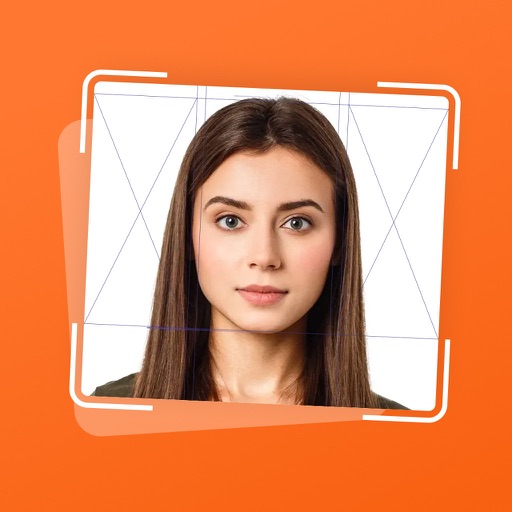
Create photos compliant with country-specific guidelines. Adjust size, background, and pose. Crop and resize images. Save and print directly. Verify against global standards. Export in standard formats.
Edit photos with skin smoothing, facial reshaping, and expression adjustments. Add text overlays and filters. Export in various formats and share directly.
Edit photos using presets from photographers and content creators. Adjust brightness, contrast, and saturation. Apply filters and crop images. Save and share edited photos directly.
Resize photos while preserving the ratio of main objects using content-aware rescaling. Crop or adjust dimensions without losing important content. Export edited images in various formats.