Reduce photo size using 10 predefined levels or custom dimensions. Crop images to any position and size. Rotate photos in 90-degree increments or straighten them. Adjust orientation and export edited files.
by Koichi Otera★ 3.04 ratingsProductivity$1.99Data updated 2026-09-08
Convert images to PDF by importing files or scanning with the camera. Support multiple formats like JPG, JPEG, PNG. Use pre-designed templates for cover and inner pages. Save and share converted PDFs directly.
Documents by taking a photo, selecting from the photo gallery, or choosing a file. Adjust settings for clarity. Share scanned files via email, messaging, or cloud storage. Organize and store documents in folders. Export in PDF or image formats.
The app allows users to fit full-size photos into a square format for posting without cropping. Users can move, rotate, scale, or flip photos and change backgrounds using colors, gradients, or patterns.
Photo allows users to edit images by removing backgrounds. Users can select and isolate subjects. The supports offline processing. No online tracking is involved. Export edited images in various formats.
Record videos while reading scripts from the screen using a . Trim and crop recordings. Edit videos with built-in tools. Adjust text size and speed. Share finished videos directly.
Compress MP4 and M4V videos to reduce file size. Adjust compression settings to balance quality and size. Export compressed videos for social media sharing. Save and send videos via WhatsApp, Instagram, and Facebook.
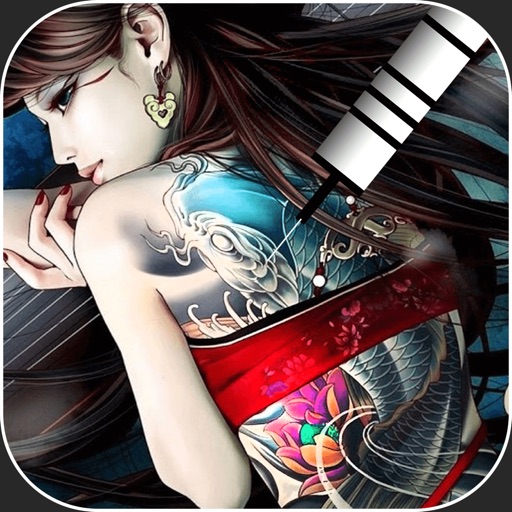
Create virtual tattoos on photos by selecting from 100+ black and white or 60+ color totems. Add text or captions and adjust position, rotation, size, font, or color. Save edited images to the photo library or share via social media.
Create digital collages using images from your photo library. Crop and remove solid backgrounds from photos. Rotate, resize, and reposition images. Adjust background size and tint. Experiment with creative arrangements for digital art.
The app allows users to create watermarks, greeting cards, and graphics. It offers an intuitive interface, image filters, text manipulation, and 3D functions.
Edit photos with 3D and color effects to create立体 art. Apply special effects to enhance images. Save and share edited photos directly. Use fun and intuitive editing tools for creative customization.
Edit images with text, annotations, and shapes. Adjust backgrounds using solid colors, gradients, or blur. Resize, crop, and add borders or shadows. Highlight details or blur sensitive areas. Apply styling effects and export edited images.
Edit photos with filters, , and cropping tools. Add text, stickers, and borders. Adjust brightness, contrast, and saturation. Export in various formats and share directly.
Take photos or select images from the gallery. Position, resize, and rotate a mask overlay on the . Apply filters and adjust the mask. Share the final image on social media or via email. Switch masks or edit the as needed.
Edit photos with filters, cropping, and brightness adjustments. Add text, stickers, and borders. Export in various formats and share directly. Adjust colors and apply effects for enhanced visuals. Simplify editing with an intuitive interface.