Resize images in bulk with batch processing capabilities. Convert file formats simultaneously. Adjust dimensions and aspect ratios. Save settings as presets. Drag and drop files for quick access.
by Nobuatsu Sekine★ 0.00 ratingsGraphics & DesignFreeData updated 2026-09-08
Resize images to 480x640 pixels without internet. Select photos from the library. Adjust up or down. Export resized images directly. No internet required for resizing. Simple interface for quick adjustments.
Play HD and ultra HD videos in various formats using hardware decoding for smooth playback. Hide video files to protect privacy. Encrypt private videos for secure storage. Manage playback settings and organize library.
The app supports various video and image formats for creating movie overviews. Users can customize settings for background, borders, watermarks, and grid elements, with options for batch processing and exporting to different image formats.
Record videos and photos with controls including focus peaking, false color, and histogram. Shoot in PRORAW and DNG formats. Adjust audio metering, custom resolutions, and frame rates. Export logs and fat videos.
Convert images to vector files with AI-enhanced tracing. Import JPEG, PNG, or WEBP and export as SVG or high-resolution PNG. Edit SVG files manually for precise adjustments.
Create collages by adding photos and selecting aspect ratios. Choose landscape or portrait orientation. Add text to the collage. Shuffle for new layouts. Adjust design with an intuitive interface.
The app converts photos into comic book drawings with thick outlines and bold colors. Users can choose from five comic styles and add custom messages to speech bubbles.
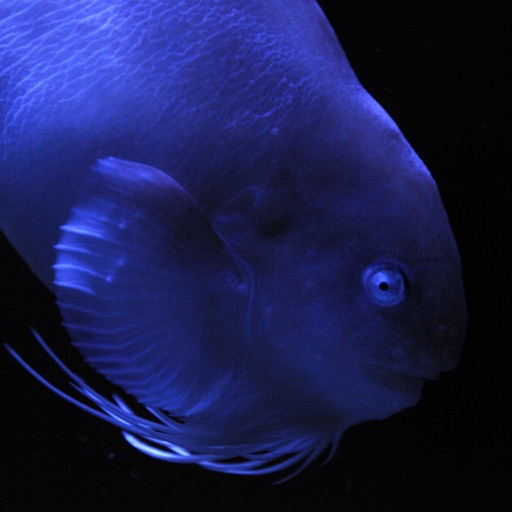
This app presents photographs of fish from Aquamarine Fukushima. It includes a slideshow with adjustable intervals, clock display, timer, alarm, and fish name display.
Blur faces automatically using facial recognition. Add blur, solid color, or emoji to hide faces. Resize and reshape blur regions. Adjust color and effects. Share edited images to photo library and other apps.