
iPhone Screenshots

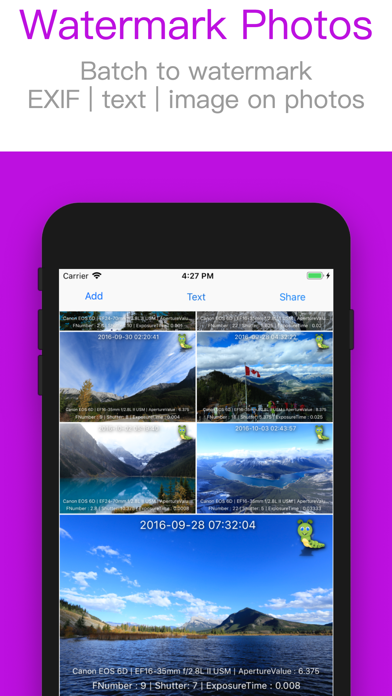


Description
View Full EXIF | Batch to Watermark Photos with Template | Make GIF | Crop Image | Make Collage
Features:
- Batch crop | resize image
- Make tower style collage
- Add text or image watermark
- Print metadata on photos, such as Shot Date | Location | Camera or Lens Parameters
- Show photos' shot time | File Name | File Size
- Sort photos by EXIF Key, for example: GPS | Camera Mode | Lens Parameters | Aperture
- Sort photos by image's Ratio of Width/Height | Shot Time | File Name | File Size
- Export photo's EXIF with text mode
- Remove metadata
How to print metadata on photos?
1. Import photos
2. Add | Select | Adjust keywords from list (such as Shot Time | Shot Location | Camera Parameters ...) or select a template from list
3. Preview
4. Export photos with Duplicate or Overwrite mode
Extra feature:
Enable to save current settings as a template for future use.
Saving image file:
--Duplicate Mode:
Duplicate photos first, then modify those new photos with new data.
--Overwrite Mode:
Modify photos with new data directly.
If you want to restore photos after changing its data, you should open those changed photos in Photos and click Edit -> Revert