Apps Like Meitu: Photo & Video Editor for iPhone and iPad
Edit photos and videos instantly
Edit photos with 200+ filters and AI art effects for enhanced visuals. Adjust brightness, contrast, and saturation. Add text, stickers, and animated effects. Export in various formats and share directly. Apply AI flash for vintage aesthetics.
Edit photos to slim the waist, shape the butt, tone arms, adjust thighs, increase bust size, and enhance skin tone. Remove blemishes and refine skin texture. Access in- tutorials for guidance. Export edited images in various formats.
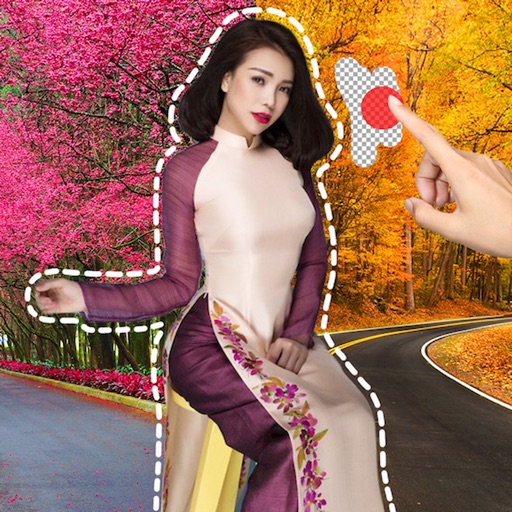
Remove image backgrounds using AI for transparent effects. Edit photos by cutting specific areas manually. Add new backgrounds, text, and stickers. Create profile pictures with customizable options.
Edit photos with crop, rotate, and filter tools. Adjust brightness, contrast, and color. Add text, stickers, and draw on images. Apply blur, focus, and special effects like magic and splash. Export and share edited photos.
Edit photos with cartoon filters, line art, and color effects. Adjust brightness, contrast, and saturation. Add text, stickers, and borders. Export and share edited images directly.
Create AI images from text or photos using Google Gemini. Edit photos with advanced tools. Generate headshots, avatars, and professional images. Export in high resolution and share directly.
Take selfies with filters and skin enhancement tools. Edit photos with cropping, adjustments, and options. Record HD videos and apply color filters. Share edited content directly.
Images using adjustable strength and soft/hard brushes. Remove stains and defects from photos. Enhance images with high-resolution editing and zoom. Apply focus to hide unwanted details. Offset wrist to avoid finger obstruction during editing.
Edit photos with film filters, manual date adjustment, and flare effects. Choose 16:9 or 4:3 aspect ratios. Apply film burning effects and export in various formats.
Background of photos with adjustable effects. Remove unwanted objects or faces. Edit photos with enhancer tools. Unblur accidentally blurred sections. Access a large catalog of effects.
Edit photos with AI-powered filters, face swapping, and style transformations. Adjust lighting, colors, and backgrounds. Add text and stickers. Export in various formats and share directly.
Edit videos with real-time filters and . Apply lenses like toonify, fire, Instagram, and vintage retro. Adjust colors and settings. Save and share edited videos.
Create AI-generated images from text descriptions. Enhance, restore, and unblur photos with one tap. Convert old images to high-definition quality. Adjust colors, brightness, and clarity. Export edited images in various formats.
Edit photos with reshaping tools to adjust shape and size. Enhance muscles, waist, abs, or chest with precise controls. Retouch facial features and skin texture for realistic results. Apply filters and effects to enhance appearance.