
iOldPhoto - Sepia Toning
福恩 毛
Add vintage photo styling in seconds.
The app applies sepia toning and antique warmth to photos. It offers a live split preview, curated presets, and precise controls for effect strength.

Convert images to pencil sketches
Edit images by detecting and highlighting contours to create pencil-drawing effects. Select photos from the device library or capture new ones. Apply the contour effect and view the resulting image on the screen.
Showing 381–400 of 1,000 ranked alternatives.
福恩 毛
Add vintage photo styling in seconds.
The app applies sepia toning and antique warmth to photos. It offers a live split preview, curated presets, and precise controls for effect strength.
Alexander Dr. Rieger
Turn photos into oil paintings quickly.
The app transforms user photos into oil paintings with a brush and oil color effect. Users can apply the oil filter to images and share them on social media or save them.

Hitesh Ramoliya
Edit crop and enhance photos easily.
The app offers photo editing tools including cropping and enhancement. Users can apply effects, overlays, and frames to photos from their camera or gallery.
Quantis, Inc.
Draw self-portraits in seconds
Create self-portraits with sketch and artistic effects. Apply filters like sketch, painting, and pixelate. Save photos to the library or share on social media platforms. Print images directly.
Alexander Dr. Rieger
Turn photos into oil paintings easily.
The app transforms user photos into oil paintings. It applies an oil shine effect, making images resemble brush and oil color artwork.

Abdullah Albalawi
Apply and save photos
Apply like Chrome, Fade, and Mono to images. Share edited images via Snapchat or save to photo library. Access all and remove ads with a premium subscription.

Nobuhiro Watanabe
Trace images by hand on paper.
The app allows users to trace images by hand using a smartphone. It detects the device's inclination to adjust the image's tilt angle for tracing.

Aaron Neugebauer
Create kaleidoscope patterns with swipe
Create kaleidoscope patterns by swiping fingers across the screen. Adjust the number of lines and line color. Use multi-touch for advanced control. Save generated artwork to the device's Camera Roll.

John Smith
Jigsaw game with Christmas images
The app is a jigsaw game for iPhone and iPad featuring 60 levels with Christmas-themed images. Users can drag pieces to form pictures, preview the original image, save completed images, and skip levels.
Computer Creators, Inc.
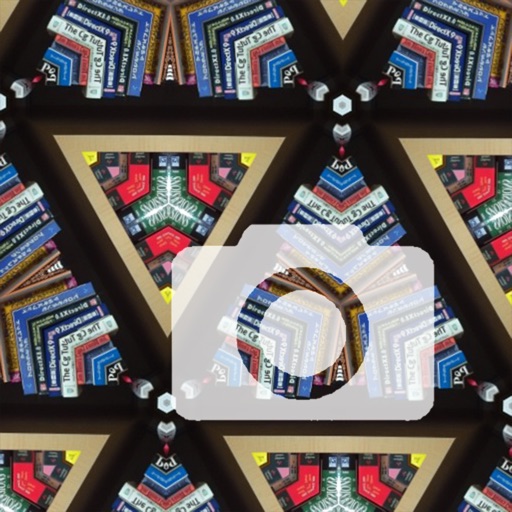
Kaleidoscope camera effect for iPhone.
The app adds a kaleidoscope effect to the iPhone camera, creating unique pictures. Users can save and share their creations, making it a tool for wallpapers.

John Smith
Jigsaw puzzles with holiday images.
The app offers a jigsaw puzzle experience with 60 levels featuring Christmas-themed images. Users can drag pieces to form pictures, preview the original image, skip difficult levels, and save completed images to their device.
Hristo Zhelev
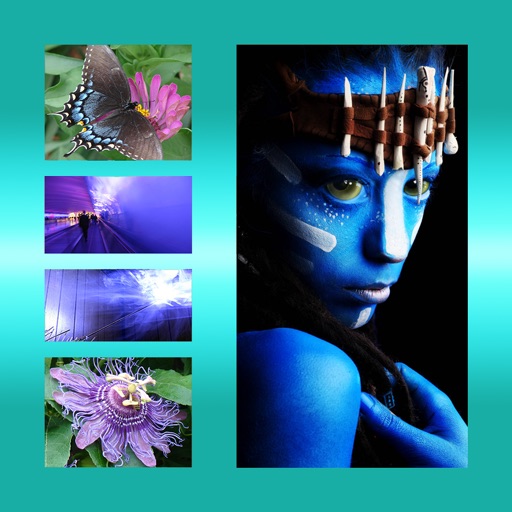
Combine photos into one picture.
The app allows users to combine multiple photos into one framed picture. Users can adjust contrast, brightness, and saturation, add text, and apply effects.

Wuxi Duan
Edit in images with OCR
Edit photos to edit using on-device OCR technology. Extract, modify, and customize in images without internet. Separate from the background and restore the original image. Support multiple languages for cross-language recognition and editing.


志明 丁
Edit photos with multiple layers.
The app offers multiple-layer editing for photo manipulation. Users can add new layers, adjust their size, and apply various effects.

John Smith
Jigsaw puzzles with tropical images.
The app is a jigsaw puzzle game featuring 60 levels with tropical images. Users can drag pieces to form pictures, preview the original image, and save completed puzzles to their photo gallery.
Apps are ranked by functional similarity, category fit, rating confidence, and popularity.