Measure distances, angles, and colors on any screen. Capture and analyze screen elements for design, development, or navigation tasks. Save and share measurement data directly.
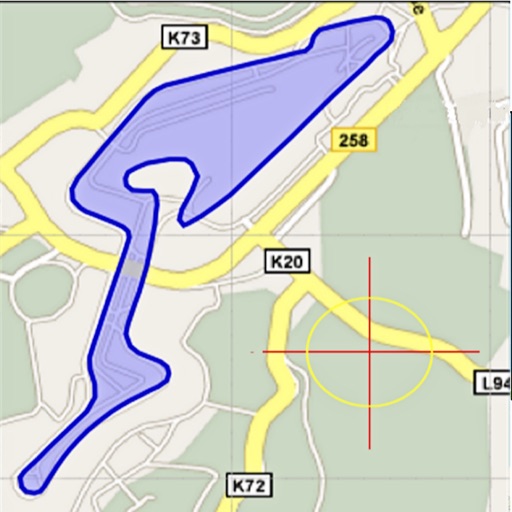
Area, lengths, and angles on maps using an interactive crosshair. Trace outlines to create connected points, updating area and perimeter in real time. Adjust radius for scaling features. View dynamic length and angle as you move the crosshair.
Edit photos and images with advanced tools for retouching, layering, and painting. Create multi-layered art and designs. Adjust colors, contrast, and lighting. Export in various formats and share directly.
Measure distances between points using the tool. Visualize object sizes with the Box tool. Preview photos on walls using the Photo Frame tool. Save all actions in the History tool. Tap lines to delete them.
Detects objects using smartphone's magnetic sensor. Identify nearby metals like iron, nickel, steel, and alloys. Locate lost keys, coins, and wires in walls. Does not detect non-magnetic metals such as silver, gold, or copper.
Measure objects using touch as or tape measure. Split objects into equal parts and calculate width/height ratios. Estimate diameter, angles, and divide circular objects. Switch between millimeters and inches for units.
Objects and spaces using AR and AI. Tap to set start and end points for digital measurements. View real-time measurements on the screen. Export results or share measurements directly.
The app provides essential daily tools including a flashlight, ruler, protractor, and level. Measurement results can be copied, and area calculation is supported.
Scan documents quickly and to TXT, PDF, or JPEG formats. Save and organize scanned files. Share documents directly via email or messaging apps. Edit scanned images and add notes. Sync files across devices.
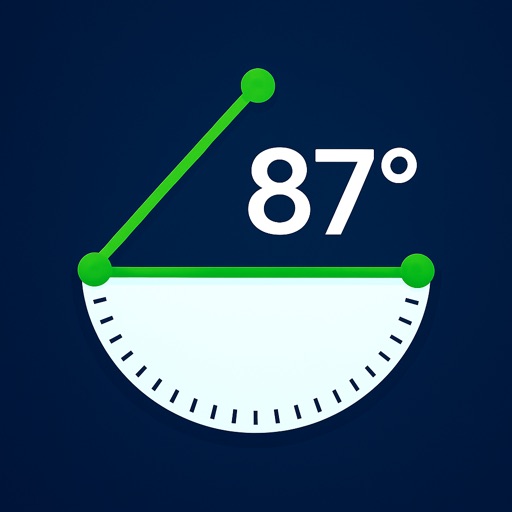
The app detects the device's orientation to find any 2D angle. It measures angles in degrees, radians, or as a gradient, holding the measurement for easy reading.
Measure objects or distances using AR technology. Switch between units for accuracy. Create sketches with text editing options including size, color, and positioning. Share measurements and sketches directly from the .
Capture 3D models of objects or spaces using LIDAR or TrueDepth technology. Save scans in USDZ format for iMessage or AR QuickLook. Export in OBJ, GLTF, GLB, DAE, and STL formats. Share 3D models directly via iMessage or AR QuickLook.
Measure objects and spaces using a smartphone camera. Capture images of properties to calculate distances, perimeters, and areas. Export measurements and share results directly. Sync data across devices for accurate project tracking.