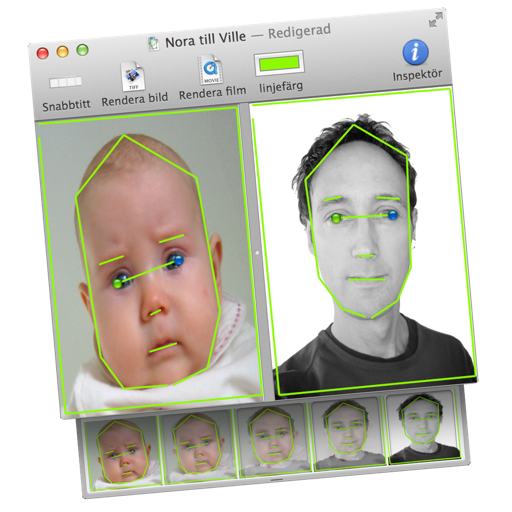
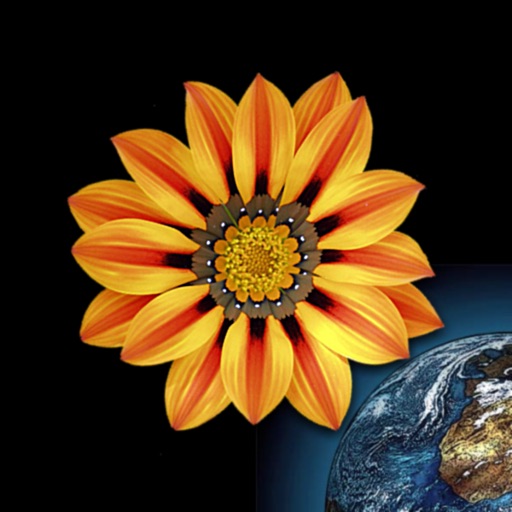
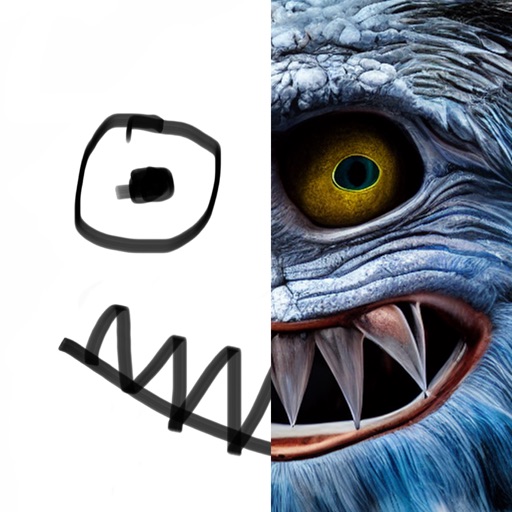
Transform images or videos by dragging two images into the document. Define similar areas with lines to create morphed transitions. Save results as still images or animated QuickTime movies.
by Martin Wennerberg★ 0.00 ratingsPhoto & VideoFreeData updated 2026-09-06
Convert images to various formats including PDF, SVG, , GIF, PNG, BMP, TIFF, PSD, WEBP, EPS, and others. Save converted files directly to device storage. Open and edit supported formats within the . Share converted images via email or messaging apps.
Create and share photo collages with customizable layouts. Import photos from iPhoto, Aperture, or drag and drop images. Export high-resolution files. Share to Facebook, Twitter, Flickr, and other platforms.
Convert images to JPG or PNG formats. Compress JPG files to reduce storage usage. Process multiple images in batches. Export and share converted photos directly.
Create AI-generated videos from text prompts or images. Add voiceovers, music, and transitions. Edit clips, adjust timing, and export in various formats. Share directly to social media platforms.
View high-definition images directly on your TV. Access daily photos from the of the Day service. Browse and display images without additional setup or installation.
Create and customize rooms in 2D floor plans. Add and adjust room properties. Drag and drop furniture, doors, and windows from organized categories. Edit objects and arrange layouts. Save and export designs. Limitations on object count apply.
Create stereo 3D images by capturing or selecting two photos. Adjust depth using orange arrow buttons and shift function. Choose from multiple 3D display modes including color, gray, and side-by-side.