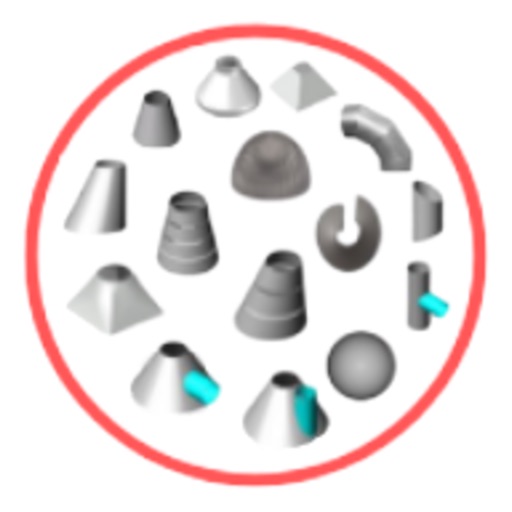
Calculate cut joints, elbow centerlines, and overall lengths for HVAC offsets. Input angles and dimensions to determine measurements. Avoid manual calculations and trigonometry. Reduce material waste and field cutting.
by Allen Sieler★ 4.325 ratingsProductivity$4.99Data updated 2026-10-31
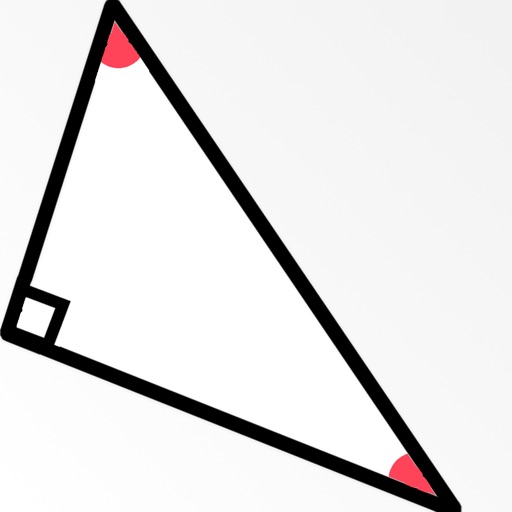
Create and manipulate geometric shapes such as points, lines, angles, and conic sections. Adjust properties and calculate metrics. Display shapes on a zoomable coordinate system. Construct medians, altitudes, and bisectors.
Measure angles using camera view with touch or plumb bob methods. Set angles on screen or through camera. Switch between measurement modes. Access advanced polygon measurement in premium version. Calibrate plumb bob for accurate slope readings.
Convert units across 17 categories with 398 options. Switch between currencies using daily updated exchange rates. Access converter on Apple Watch for quick and conversions.
Measure angles in degrees, dimensions, or blocks for leveling a . Confirm status in all directions. Set and remember custom offsets for intentional angles. Compensate for device covers or camera protrusions.
Helps users align satellite antennas by selecting from four antenna types: offset, special design, parabolic, and flat. It guides users through four steps to adjust the antenna position for optimal signal reception.
Corrects projected image shape to match a screen or frame. Adjusts for surface unevenness to reduce distortion. Uses camera input to analyze and align the projected pattern automatically.
Calculate length and associated values for gable roofs. Input room width and ridge height to determine pitch, lengths, and ridge height. Use advanced options to enter pitch in radians, degrees, DMS, or rise/run.
Resize and crop images for specific dimensions and resolutions. Adjust colors and metadata accurately. Batch process multiple files with customizable workflows. Export in various formats for social media, printing, or projects.
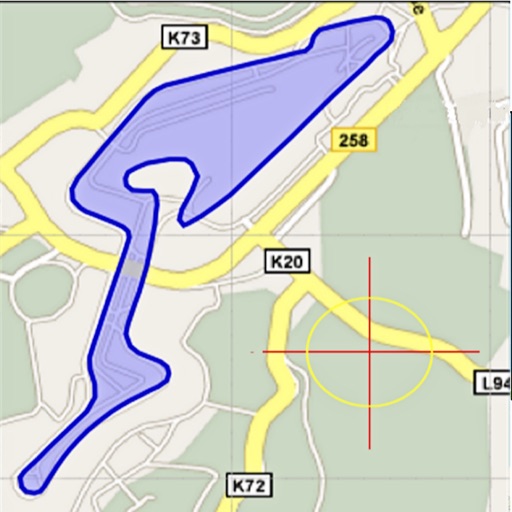
Area, lengths, and angles on maps using an interactive crosshair. Trace outlines to create connected points, updating area and perimeter in real time. Adjust radius for scaling features. View dynamic length and angle as you move the crosshair.
Measure angles and check surface flatness for home projects. Calibrate the tool, use hold mode, and auto fade when not in use. Display angles numerically and ensure verticality for walls or roofs.
Display memos as on the home screen. Create, edit, and organize notes with text input. Set reminders and categorize memos. Share notes via copy or email. Sync across devices.
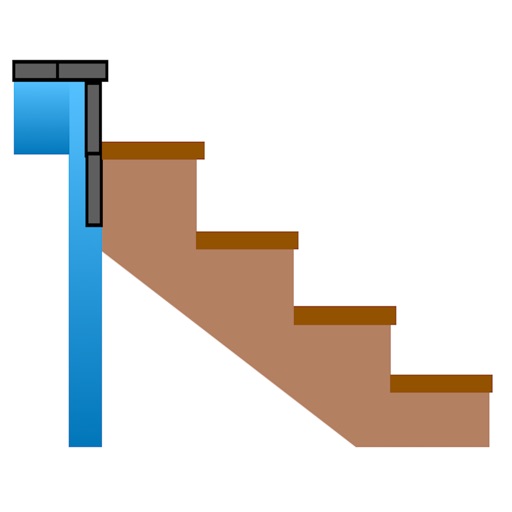
Calculate risers, run, angle, length, step height, tread depth, and number of steps. Adjust parameters for customization. Switch between Imperial and Metric units. Email or text results as needed.
Screen content and import it into the . Select from 360-degree phone shell templates and various angles. Use one-click intelligent synthesis to enhance visual effects. Upload videos to multiple platforms for sharing and promotion.