Create paintings by generating strokes automatically. Adjust brush size and color. Animate the painting process. Start from an empty canvas and refine details manually. Export artwork in various formats. Share finished pieces directly.
by Studio Mee★ 0.00 ratingsGraphics & Design$7.99Data updated 2026-09-08
Create traditional hand-drawn animations with support for Apple Pencil or finger input. Use the traditional xsheet for timing and thumbnail previews. Enjoy smooth, natural drawing with automatic onion skin lighting for better visibility.
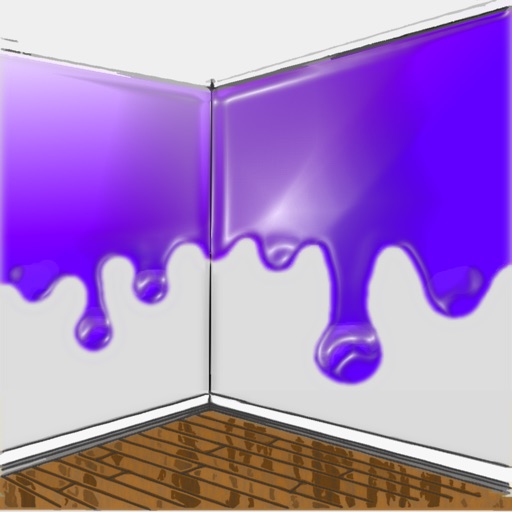
The app allows users to visualize new paint colors on their walls before painting. Users can try colors from a palette or sample real-world colors and apply them to photos of their home.
Sketch and create drawings using brush tools with customizable color palettes. Add stickers, doodles, and charms to enhance artwork. Export and share finished creations in multiple formats.
Create AI-generated art by typing prompts. Select from styles like realistic, anime, and 3D. Generate images instantly. Save and share artwork directly.
Generate AI-powered artwork by entering text prompts and selecting art styles. The creates images based on user input and offers various artistic styles to choose from. Users can view and download the generated paintings.
Create art by describing ideas and selecting reference images. AI generates artwork based on input. Edit generated images with tools like adjusting colors, adding text, and exporting in various formats.
Browse artwork, download images, and display photos
Browse and download artwork, paintings, and photos for Samsung TV or Hisense CanvasTV. Access integrated libraries from Smithsonian, Wikimedia Commons, and Unsplash. and adjust images to fit borderless displays. Share or save edited photos directly.
Capture photos with advanced HDR, denoising, and 110-megapixel resolution. Use macro and zoom features for detailed shots. Adjust lighting and enhance details with AI-powered processing. Export high-resolution images directly.
Create avatars and wallpapers by painting or doodling. Access built-in resources for inspiration and guidance. Choose customizable painting lines to express creativity. Save and share finished artwork.
The app allows users to create photos and movies using green screen technology. It supports high-resolution video and photo capture, with a timeline editor for layering and editing multiple video or photo elements.
Edit photos with AI hairstyle customization, face swapping, and one-tap cartoon portrait creation. Add filters, adjust colors, and export images for social media sharing.