Resize photos using predefined scales from 1 to 10 or custom dimensions. Preview resized images before saving. Crop photos to any position and size. Rotate photos in 90-degree increments or straighten them. Save and share edited photos.
by Koichi Otera★ 5.04 ratingsProductivityFreeData updated 2026-09-08
Allows users to resize photos to dimensions. It offers basic editing tools such as cropping, adjusting brightness, and adding text. Users can generate images for social media sharing and export edited photos directly.
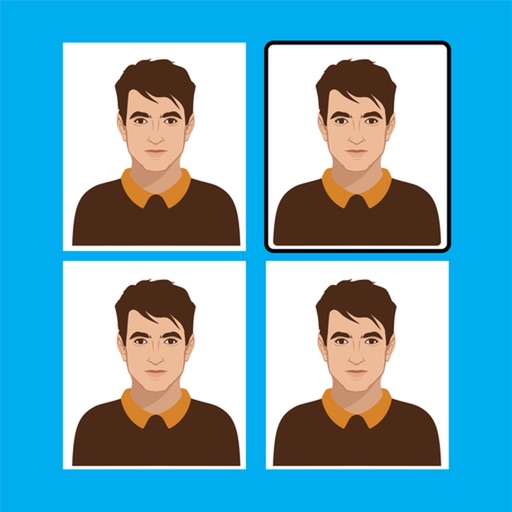
Resize profile pictures without cropping or losing image parts. Adjust dimensions to fit social media profiles. Choose photos from gallery or capture new ones. Maintain image quality during resizing.
Record videos while reading scripts from the screen using a . Trim and crop recordings. Edit videos with built-in tools. Adjust text size and speed. Share finished videos directly.
Edit photos using tools like crop, adjust, and enhance with Hi-Def, Scenery, Food, Portrait, and Night modes. Add frames, stickers, text, and . Stylize with over 100 free and purchasable filters. Remove red eye and blemishes. Draw and create memes.
Create collages using free layouts and grids. Add stickers, text, and backgrounds. Edit photos with cropping, flipping, and layering. Save and share finished collages or stories. Generate wallpapers from edited images.
The app provides a digital whiteboard experience for drawing and sketching. It offers multiple marker colors and tip sizes, with undo/redo functionality and the ability to save drawings.
Extract colors from photos or camera snapshots. Pan, pinch, and zoom to select areas. View RGB, HEX, CMYK, HSB, and LAB values. Access complementary and Pantone schemes. Export information.
Record daily memories with photos and text. Set calendar entries for mood and schedule. View past entries easily. Lock with passcode or biometric authentication. Backup to iCloud and transfer data between devices.
Photos by importing from camera roll. Apply effects and frames. Adjust brightness, saturation, and contrast. Crop, rotate, and straighten images. Add text, stickers, and draw. Sharpen, blur, fix red eye, remove blemishes, and whiten teeth.
Create collages with 106 adjustable layouts and 31 irregular designs. Choose from 18 frames and 36 backgrounds. Customize borders with color and shape. Edit photos using a built-in PRO editor.
Arthur Eduardo Skaetta Alvarez Desenvolvimento de Software LTDA.
Photos and save to albums
Documents and photos using the device camera. Save scanned images to the camera roll or organize them into albums. Automatically crop scanned images by detecting paper edges. Adjust brightness and contrast for clearer scans.
Create and label albums. Crop images, apply filters, and frame photos. Add text and stickers to enhance visuals. Display customized albums in Widgets on the home screen. Widgets refresh automatically to show favorite memories.