
iPhone Screenshots
Description
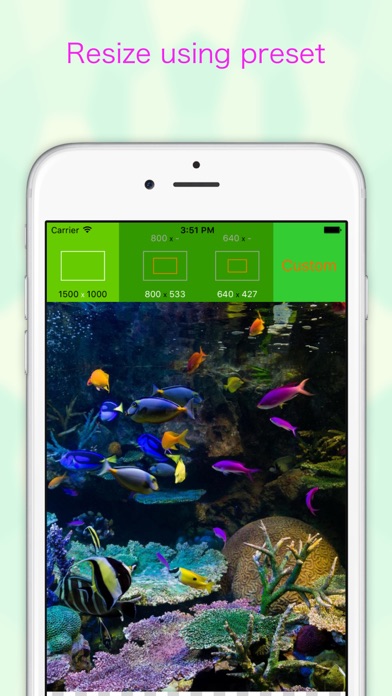
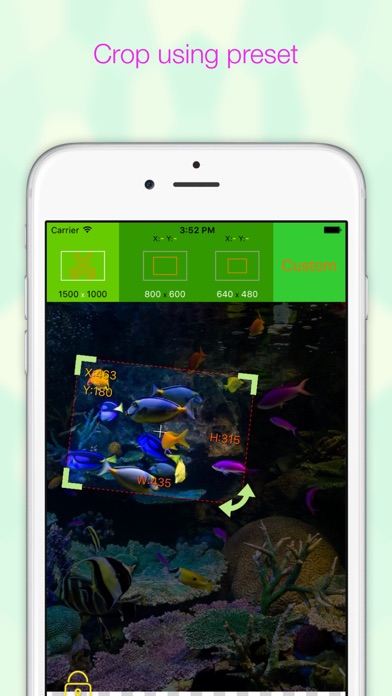
Resize photos using predefined scales from 1 to 10 or custom dimensions. Preview resized images before saving. Crop photos to any position and size. Rotate photos in 90-degree increments or straighten them. Save and share edited photos.
With EverClipper you can reduce your photo's size and change it's orientation.
You can select photo's size from among 10 levels or from customized size and you can crop photo at any position and to any size. You can also rotate photo per 90 degrees or straighten it.
Features
- Resizing. You can resize a photo on it's length scale of one to ten. You can see the result of resizing before save it.
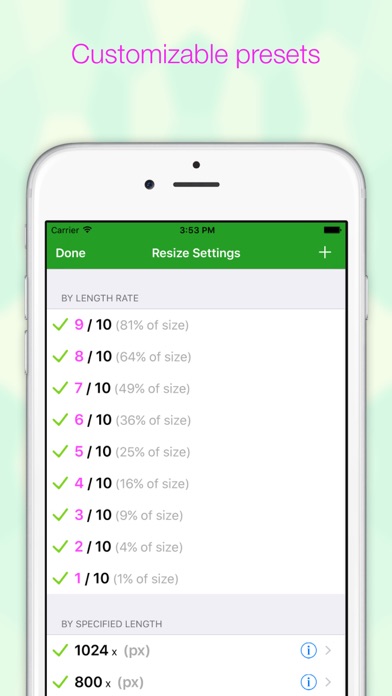
- Customizable sets of resizing sizes. You can make presets of resizing sizes as you like.
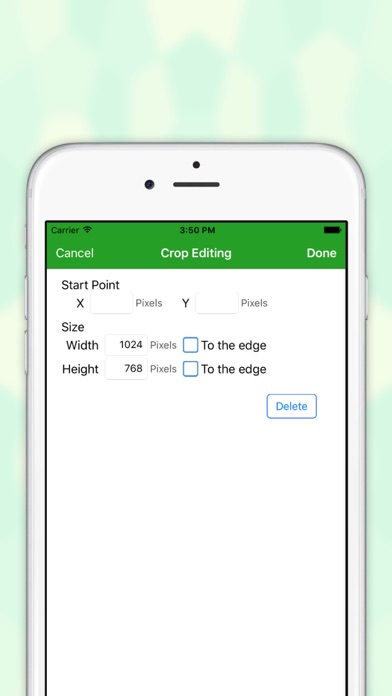
- Cropping. You can crop a photo at any position and to any size.
- Customizable sets of cropping sizes. You can make presets of cropping sizes as you like.
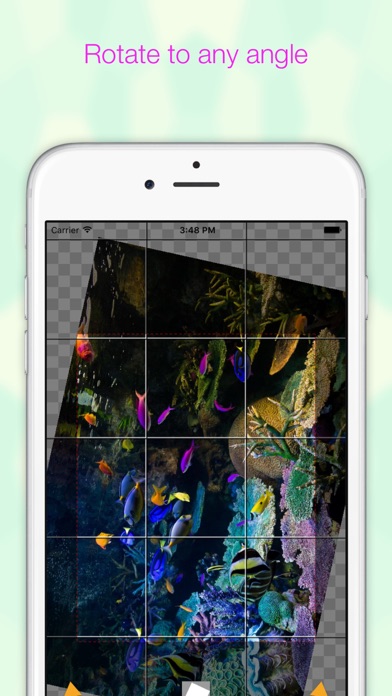
- Straightening. You can rotate a photo at any angle.
- Flip horizontal or vertical.
- Zooming and swiping.
- Supporting for portrait mode and landscape mode.
- You can save a photo you shrunk to photo albums.
- You can pick a photo from photo albums.