Photos with a single . Resize and optimize images effortlessly. Preview edits in real time. Adjust colors, rotate, and sharpen images. Remove unwanted areas or zoom in with precision. Share edited photos directly.
by Boris Glazer★ 0.00 ratingsPhoto & Video$19.99Data updated 2026-09-08
Take photos using the built-in camera. Resize images to specific dimensions. Remove backgrounds with an eraser tool. Choose background colors for ID photos. Export edited images.
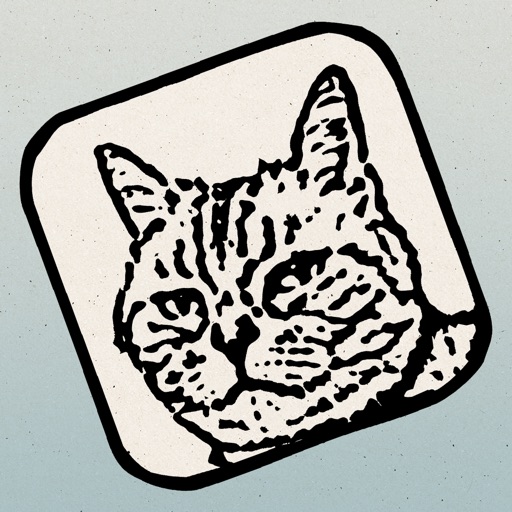
The app transforms photos into hand-carved or rubber stamps with options for rough effects and transparent backgrounds. It includes AI background removal and a feature to convert images to vector graphics.
Try on different styles with adjustable fit. Add masks, stickers, and effects to photos. Edit selfies and adjust placement. Share edited photos directly to social media.
Resize images by adjusting height or width while maintaining aspect ratio. Compress files to reduce size. Save to camera roll, Files , or share via email, printer, and other native options.
Convert photos to 2x2 inch size for US , , DS160, and DV Lottery applications. Adjust brightness, contrast, and background. Crop and resize images. Export in standard format for submission.
Edit videos with timeline scrolling and zooming. Cut and trim clips for precise editing. Manage multiple layers to create complex compositions. Add transitions between clips. Export final edits in various formats.
Edit photos with instant AI background removal. Access video tutorials from stylists. Choose from new backgrounds for social media, menus, or delivery. Adjust settings for professional results. Share edited images directly.