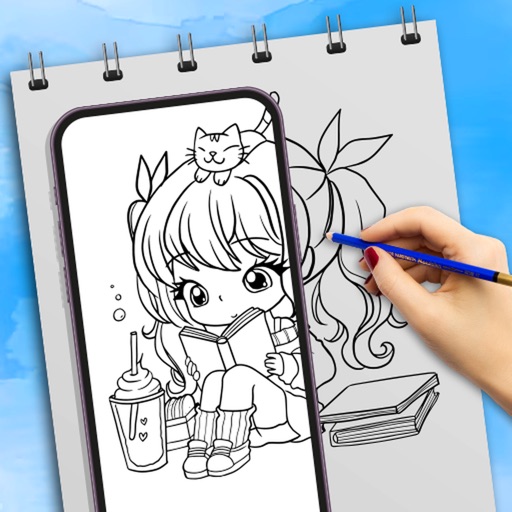
Create automatic pencil sketches by uploading images. Adjust sketch details like line weight and paper texture. Export sketches in various formats. Access advanced tools for customizing strokes and paper backgrounds.
by Studio Mee★ 0.00 ratingsGraphics & Design$39.99Data updated 2026-09-08
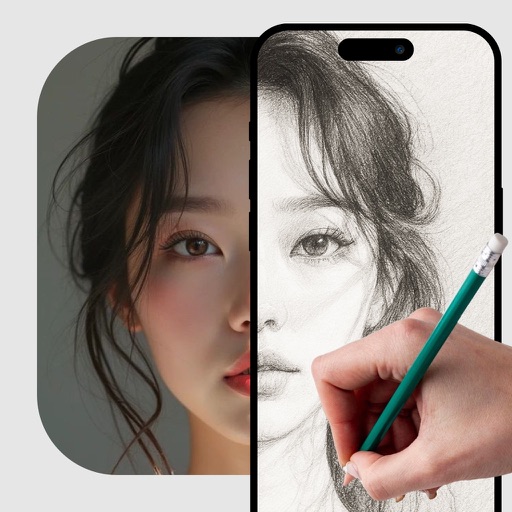
Create sketches from photos or camera captures with "," "Doodle," and "Hatch" styles. Adjust colors for black-white or vibrant results. Save images with a single tap. Share generated sketches directly.
Use camera to project image outlines onto paper for tracing. Choose images from gallery or collection. Follow lines to practice sketching. Suitable for beginners, artists, and students. Improve hand-eye coordination.
Add text to photos with customizable fonts, colors, sizes, and borders. Include stickers and background colors for creative expression. Share directly to social media platforms. Supports multiple languages including Arabic, , Persian, and Hindi.
Edit photos with advanced tools like layers, masks, and adjustment brushes. Crop, rotate, and resize images. Add text, stickers, and special effects. Export in various formats and share directly.
Edit photos with 23 tools including manual adjustments for ISO, shutter speed, and focus. Apply 80 presets and textures. Use built-in camera for manual settings. Export edited images directly. Share photos through integrated sharing options.
Sketch directly on the screen with pressure-sensitive tools. Adjust brush size and opacity. Rotate, resize, and move drawings. Save and share artwork in various formats. Export as vector or raster files.
Compress and edit videos with batch processing, trimming, cropping, splitting, merging, and rotating. Choose H.264 or HEVC codecs with resolution options. Adjust frame rates for 240 FPS videos. Save space with efficient compression.
Use camera to draw and paint in augmented reality. Access tracing templates for animals, cars, nature, food, anime, and more. Adjust brush size and color. Save and share artwork directly.
Edit photos by removing unwanted elements like , skin blemishes, buildings, and lines using AI technology. Crop images and videos with high quality. Eliminate dark spots and acne from faces or bodies. Adjust and enhance images for a polished look.
Edit stereoscopic images with auto-alignment and manual adjustment of L/R positions. Import L/R independent, SBS, MPO, or spatial photos. Display in SBS, mirror, 2D, anaglyph, or wiggle modes.
Turn photos into sketches, oil paintings, and watercolor with style transfer. Apply filters to enhance visuals. Export edited images in various formats and share directly.
The app processes images or videos with adjustable filters. Users can crop, rotate, apply effects like sketch or blur, and merge effects with a hand-drawn mask.
Create digital art using augmented reality features. images from uploaded files or projected visuals for precise sketching. Draw directly on paper with built-in tracing tools. Export artwork in multiple formats and share drawings.
Create collages with customizable blur backgrounds and adjustable layouts. Apply filters like black and white, vintage, and retro to enhance images. Edit photos by resizing, cropping, or deleting elements.