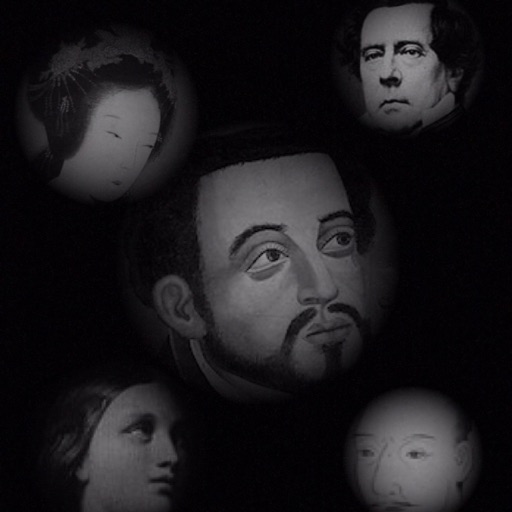
Create images from text by selecting words to form pictures. Choose color, halftone, or black-and-white styles. Upload photos to generate word-based images. Save and share the resulting artwork.
by Boris Glazer★ 0.00 ratingsGraphics & Design$24.99Data updated 2026-09-08
Create professional photos with AI-powered tools. Edit images with magic background eraser and generate contextual or white background images. Design shoots with built-in features and AI editing capabilities.
Generate hyper-realistic photos from text prompts. Choose from various art styles. Create digital artworks, designs, logos, and AI-generated avatars. Edit and export generated images.
The app allows users to link photos, drawings, and screenshots to create a graphical referenced environment. Users can navigate this environment and share their message as a PDF.
Grisoft Yazilim ve Bilisim Hizmetleri Limited Sirketi
Edit photos, remove objects, adjust backgrounds
Edit photos with object removal, background erasing, and blur tools. Add stickers, neon lights, and colorful lines. Apply artistic effects and create black and white photos. Adjust backgrounds and highlight objects for professional results.
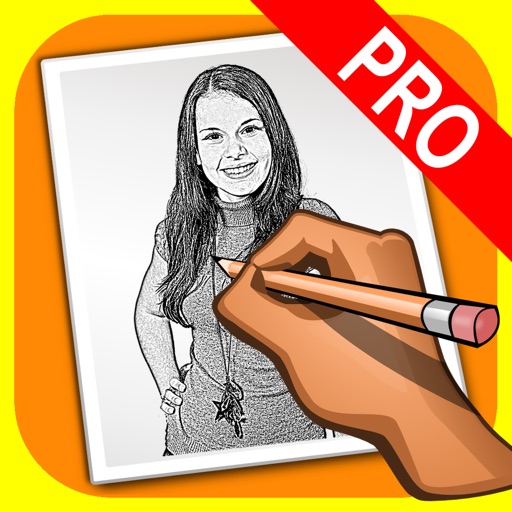
The app transforms user photos into pencil drawings with a sketch shine effect. Users can capture images, apply filters, and share their creations on social media or save them.
Decorate photos with customizable and effects. Choose images from the gallery or capture new ones. Adjust position, size, and angle. Save, share, or upload photos to social media platforms.
Edit photos by selecting from the gallery or capturing new ones. Apply various and effects. Adjust position, size, and angle. Save edited images and share via social media, email, or messaging apps.
Edit photos by selecting from the gallery or capturing new ones. Apply various and effects. Adjust position, size, and angle. Save edited images and share via social media, email, or messaging apps.
The app offers real-time previews for adjusting parameters and applying film emulation filters. It supports full resolution and saving images in uncompressed TIFF format for sharper pictures without JPEG compression.
The app allows users to compose photos by combining images of people. Users can synthesize images in color or black and white, and adjust the size of faces using pinch gestures.
Edit photos with AI-powered enhancements and transformations. Add or replace objects using text prompts. Use AI Brush to paint areas and describe changes for realistic edits. Convert photos into digital art with detailed text inputs.
The app converts sepia pictures and adds color to user-touched locations. Users can adjust sepia and color settings, and select images from saved photos or the camera.
Edit photos by selecting from a gallery or the camera. Apply multiple stylish and effects. Adjust position, size, and angle with finger gestures. Share edited images directly.