Images by adjusting dimensions and quality. Edit photos with a clean interface. Share resized images to Facebook, Twitter, and Instagram. Optimized for latest iPhones. Remove ads by tapping the "" option.
by Jason Pan★ 4.1164 ratingsPhoto & VideoFreeData updated 2026-09-08
Resize and crop images with precise aspect ratio control. Batch process multiple files for efficiency. Export in various sizes including @2x and @3x. Edit metadata and prepare images for social media or professional design use.
Create collages by combining multiple photos into a single framed image with captions. Add 2D and 3D effects. Share finished collages on social media platforms like Facebook, Twitter, and Flickr.
Load photos from a table. Add text or image watermarks with customizable font, color, opacity, and positioning options. Resize photos to desired dimensions. Export in PNG, TIFF, JPG, GIF, BMP, JP2, or HEIF formats.
Create collages, cards, and albums using photos. Select from hundreds of templates and customizable grids. Add backgrounds, frames, and text. Edit images with cropping, filters, and adjustments. Share finished projects directly.
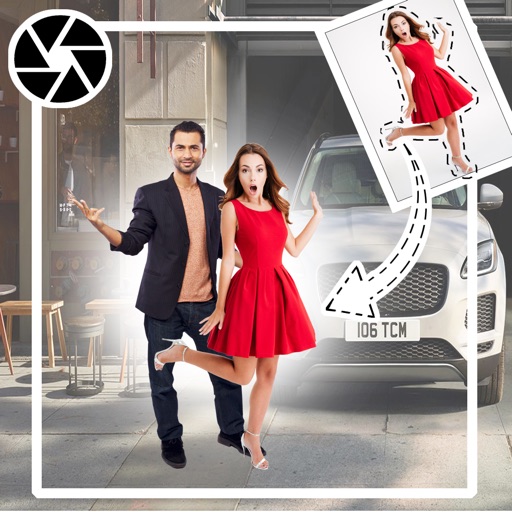
Add girls to photos using preloaded images. Select and position girl photos over existing images. Adjust size and transparency. Save and share edited photos directly.
Create original artwork, avatars, and posters using text prompts and multiple styles. Generate AI videos from photos with instant editing tools. Design emojis and portraits with customizable options.