Edit photos with detailed controls including frames, filters, contrast, brightness, and saturation. Adjust images to create a classical atmosphere. Apply effects and save changes to the device's photo album.
by Sang Hyun Jun★ 5.01 ratingsPhoto & VideoFreeData updated 2026-09-08
View and play photos and videos in various formats including HEIC, JPEG XL, and MKV. Search, filter, and sort media files. Remove defects and upscale images using AI tools. Adjust hue, saturation, and tone. Add watermarks.
Apply effects like , Doodle, and Hatch to photos. Add photo frames to edited images. Use Photo in Photo feature to overlay sketches on original photos. Edit and share modified photos directly.
Edit photos with over 20 available effects. Apply filters, adjust brightness and contrast. Crop and rotate images. Save and share edited photos directly.
Edit photos by applying AI-generated 90s-style filters. Add timestamps, film grain, and old-school camera effects. Choose from multiple styles to customize edits. Save and share transformed images directly.
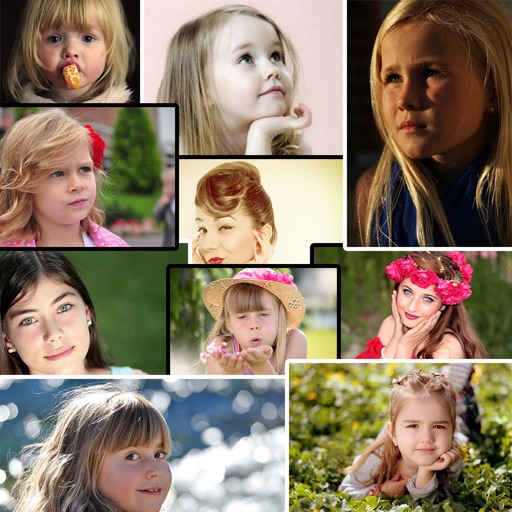
Create collages by arranging and combining photos. Add text, stickers, and borders. Adjust colors and brightness. Save and share collages directly. Import images from gallery or camera. Apply filters and effects.
The app resizes and renames many photos to decrease their file size. It allows users to rotate, crop, add watermarks, and alter colors or brightness for all images simultaneously.
Edit selfies with beauty that enhance skin tone and reduce imions. Adjust brightness, contrast, and saturation. Add text, stickers, and effects. Save and share edited photos directly.
Edit photos with rotation, straightening, resizing, cropping, and border tools. Adjust color, temperature, tint, and apply film effects, light leaks, and lens flares. Add overlays, textures, and dirt effects.
Edit photos by adding colors to specific areas. Use shape to highlight sections with desired shapes. Apply filters, adjust colors, and use brush tools. Undo and redo changes. Export edited photos in various formats.
The app converts AVCHD video files like mts and m2ts to MP4, MOV, and other formats. It supports batch conversion and allows users to edit video brightness, contrast, and saturation.