
iPhone Screenshots




iPad Screenshots


Description
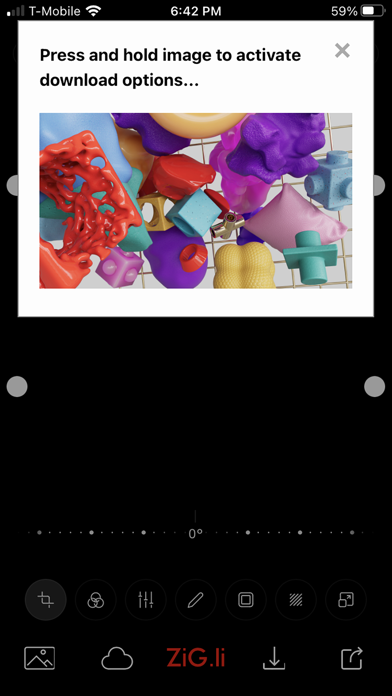
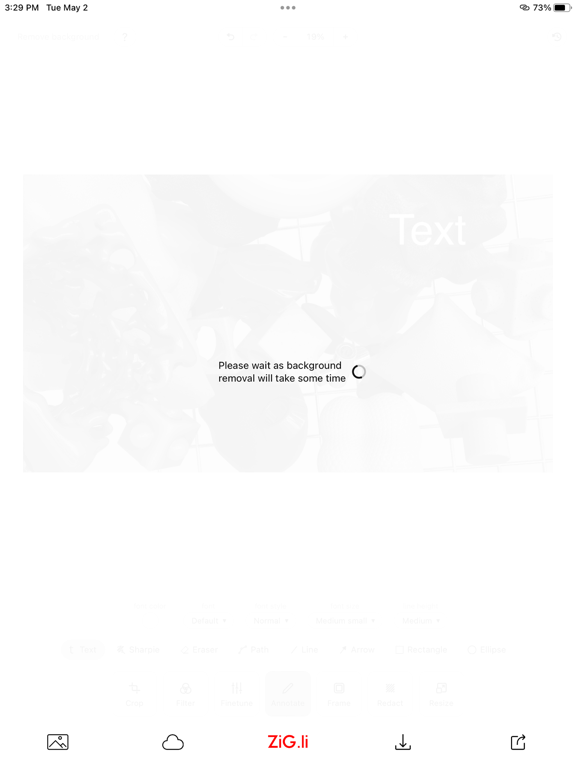
ZiG.li Image Editor allows you to choose from millions of images or provide your own. Let your creativity run wild and explore the many editing features including crop, filter, rotate, annotate. With our AI background removal service, you can remove distracting backgrounds and create the perfect image.
Millions of images to choose from sourced from Pexels and Unsplash. Use orientation and color presets or your own search terms to filter the image choices.
Remove Background (using our own AI Background Removal tool)
Save / Download to Device
Share (use any share options available for images)
Crop: Custom or Preset Portrait (16:9, 4:3) and Landscape (16:9, 4:3) formats
Rotate: 90 degree preset or slide control for counter-clockwise and clockwise adjustments in 1 degree increments
Color Filters: Warm, Cold, Pastel, Fade, Monochrome, Sepia, Colorize and more
Adjustments: Brightness, Contrast, Saturation, Exposure, Temperature, Gamma, Clarity, Vignette (-100 to +100)
Annotate: Text (Color, Font, Font Style, Font Size, Line Height), Sharpie Marker, Eraser, Lines, Arrows, Rectangles, Ellipses
Frames: Mat, Bevel Line and more
Blur: Choose Rectangular Area
Help: Press the ? for more details on how to use key features
App information from Apple App Store. ZiG.li Image Editor and related trademarks belong to Kane Consulting Group, Inc..