Edit photos with detailed controls including frames, filters, contrast, brightness, and saturation. Adjust images to create a classical atmosphere. Apply effects and save changes to the device's photo album.
by Sang Hyun Jun★ 5.01 ratingsPhoto & VideoFreeData updated 2026-09-08
MPScan enhances scanned images by automatically cropping with edge detection and perspective correction. It removes scratches, dust, and noise using smart filters. Users can apply automatic or manual adjustments for image enhancement.
Create collages by combining multiple photos using drag-and-drop layout tools. Edit individual images with cropping, filters, and brightness adjustments. Add text, stickers, and frames to enhance visuals.
Edit photos into customizable grids with layout options, shapes, and frames. Add text and messages. Apply filters and effects. Stitch multiple images into a single composition. Export and share edited collages.
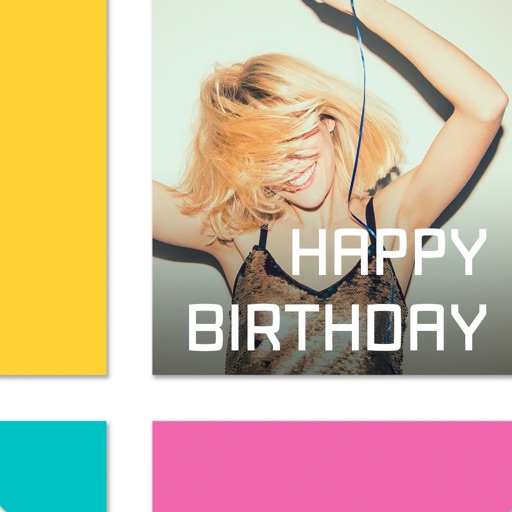
Edit photos with cropping, lighting adjustments, color correction, and professional filters. Design greeting cards and collages with customizable frames and layouts. Add personalized messages, stickers, and text to create unique invitations.
Create collages by adding photos from the library or camera. Choose from multiple frames like heart, round, and star. Adjust photos by moving, pinching, and rotating. Select different backgrounds or use a photo as the background.
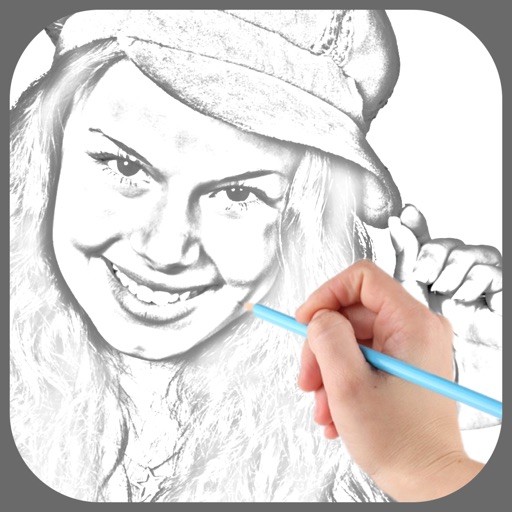
Edit photos with , oil painting, art, dream, sketch, magic, anime, and comic filters. Apply effects to selfies or images. Save and share edited photos directly.
Improves image quality and resolution. HD Filters and Effects allow professional-looking edits. AI Retouch and Skin Smoothing refine selfies with one tap. Export edited in high resolution and share across social platforms.
The app allows users to apply monochrome filters and effects to specific parts of an image by rubbing with a finger. Users can also reduce or enlarge images using a pinch gesture.
Apply thematic with 18 styles, each offering 20 variations. Use grid combinations to blend multiple . Add graphics and art for creative . Customize with multi-functional tools. Export edited images in various formats.
Edit photos with filters, cropping, and brightness adjustments. Add text overlays for customization. Create collages by combining multiple images. Arrange photos in customizable grid layouts.
The app organizes photos into frames using 16 templates. Users can edit and stylize frames, and place multiple photos within a single frame before sharing.
Unwanted elements from photos using object removal tools. Isolate main subjects with background removal. Replace backgrounds with solid colors, custom images, or transparency. Export edited photos in various formats.
Apply AI-based filters to transform photos into -style art. Choose from various pre-designed templates. Edit and save modified images directly. No internet required for processing.
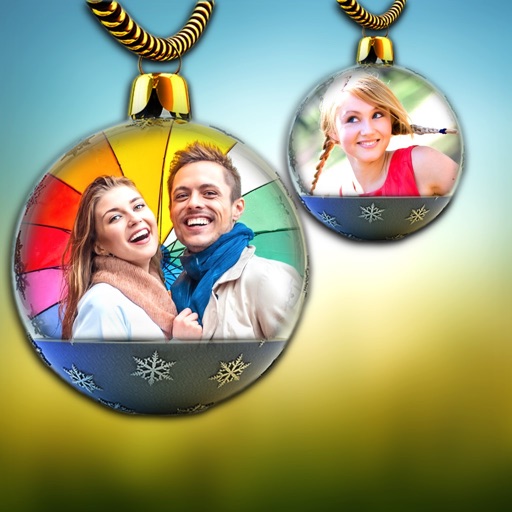
Create frames and cards with personal photos. Add names, stickers, and select from various frames. Share finished designs directly. Edit photos with frame options and customization tools.