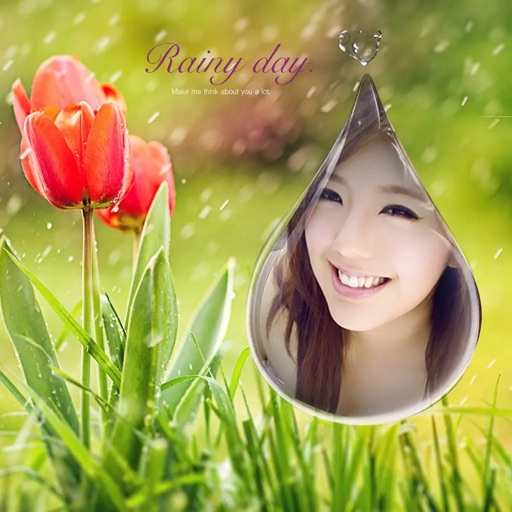
Edit photos with detailed controls including frames, filters, contrast, brightness, and saturation. Adjust images to create a classical atmosphere. Apply effects and save changes to the device's photo album.
by Sang Hyun Jun★ 5.01 ratingsPhoto & VideoFreeData updated 2026-09-08
Edit photos with filters, adjustments, effects, blur, and focus. Crop, rotate, and draw on images. Apply tone curves and enhance details. Save and share edited photos in various formats.
Create collages with customizable grids and multiple layout options. Add photos by selecting from camera or gallery. Adjust images using zoom and touch gestures. Change background colors or themes. Save or share collages through social media apps.
Apply premium filters for vintage, film, and fashion styles. Adjust brightness, contrast, and saturation. Add text overlays and export in high resolution. Share photos directly to social media.
Take selfies and photos using front and back cameras. Apply live filters and magic filters. Crop, rotate, and flip images. Add text with various fonts and colors. Apply stickers and share edited photos.
The app allows users to add speech balloons to photos. It offers a simple interface with various balloon options, voice input, and image editing tools like cropping and filters.
Create and edit labels with text, fonts, and templates. Mix text and graphics. Print documents and labels. Connect to hardware for label making and paperless office tasks.
Take selfies with real-time filters and frames. Adjust skin tone and brightness. Add sparkle effects and enhancements. Capture photos with customizable settings. Share edited images directly.
The app offers 17 tools for adjusting image quality, including noise reduction and sharpening. Users can compare before and after images by long pressing.
Add a -themed frame to images. Choose from over 30 designs. Edit photos with cropping and filters. Save and share edited photos. Apply to both new and existing photos. Adjust brightness and contrast. Export photos in various formats.
Edit images to remove backgrounds using AI. Cut out objects and replace them with new backgrounds. Adjust edges for smooth transitions. Share edited images directly.
Editor allows users to apply , , and selective effects. They can adjust intensity and select areas to . The includes retro, 35mm, and analog filters for image enhancement. Users can crop, rotate, and adjust brightness and contrast.
The app offers a variety of effects for photos and videos with real-time preview. Users can adjust brightness, contrast, and contour for different looks.